 GameWiki
GET YOUR BEARINGS
About 5omeday
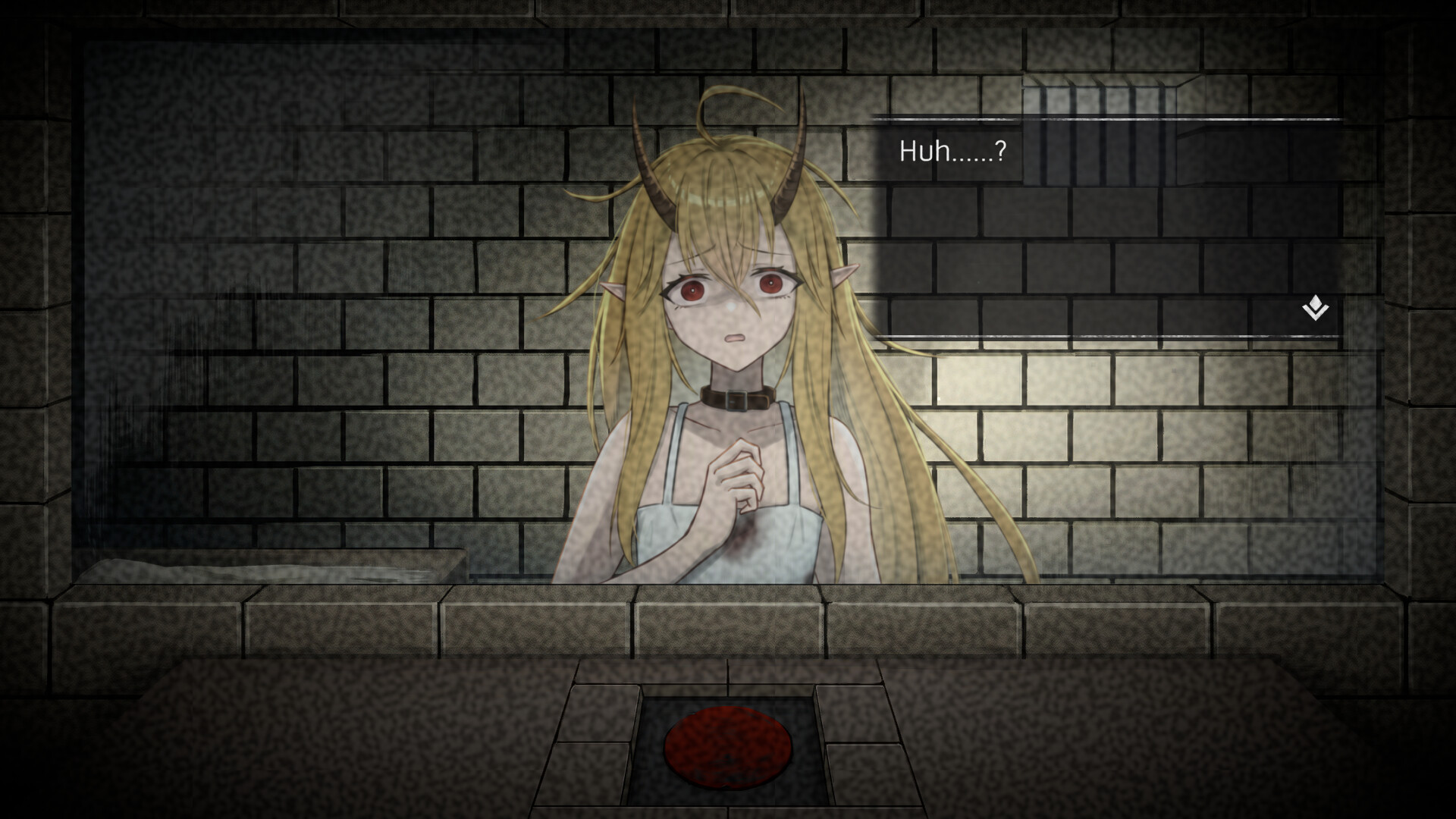
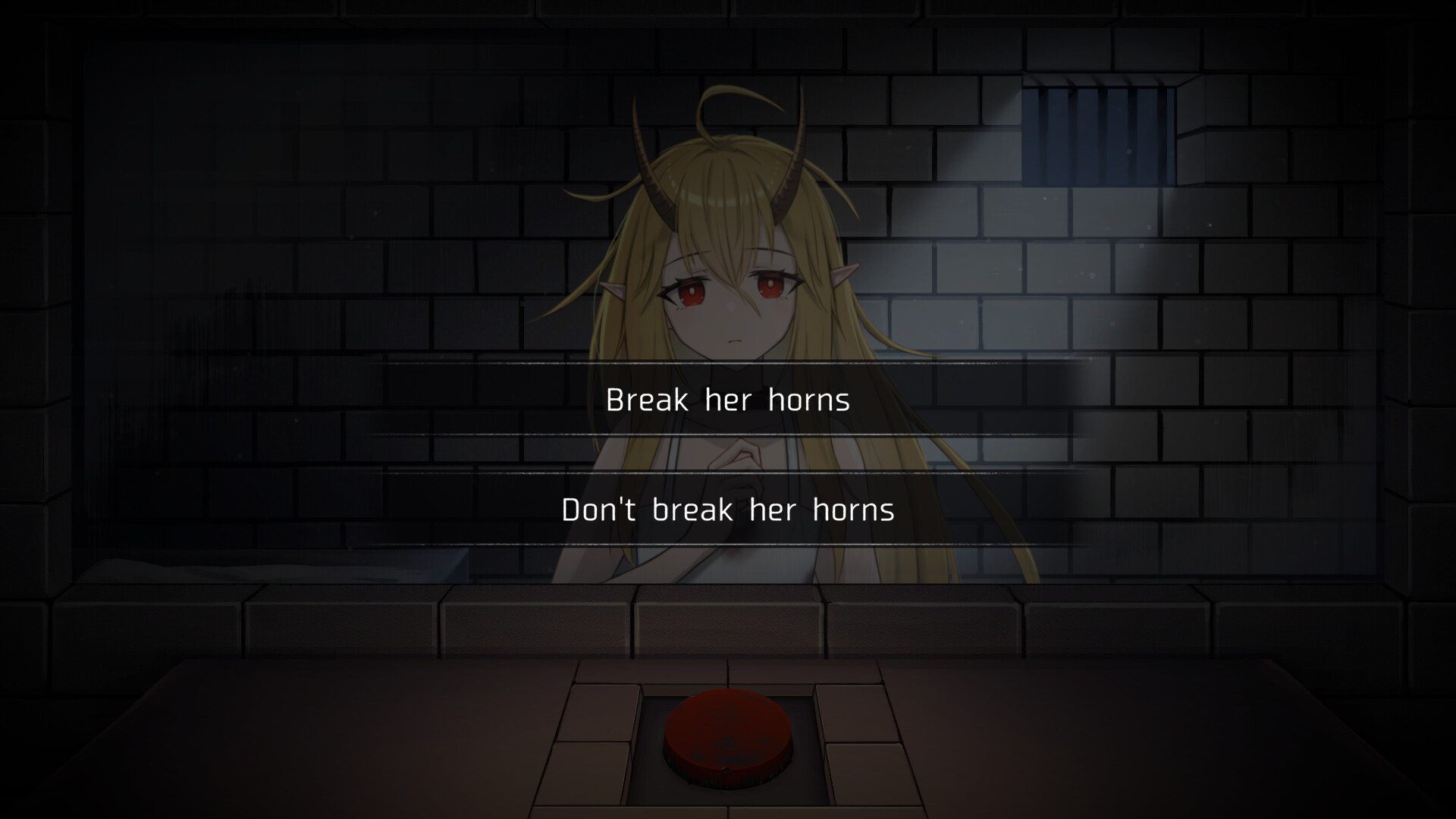
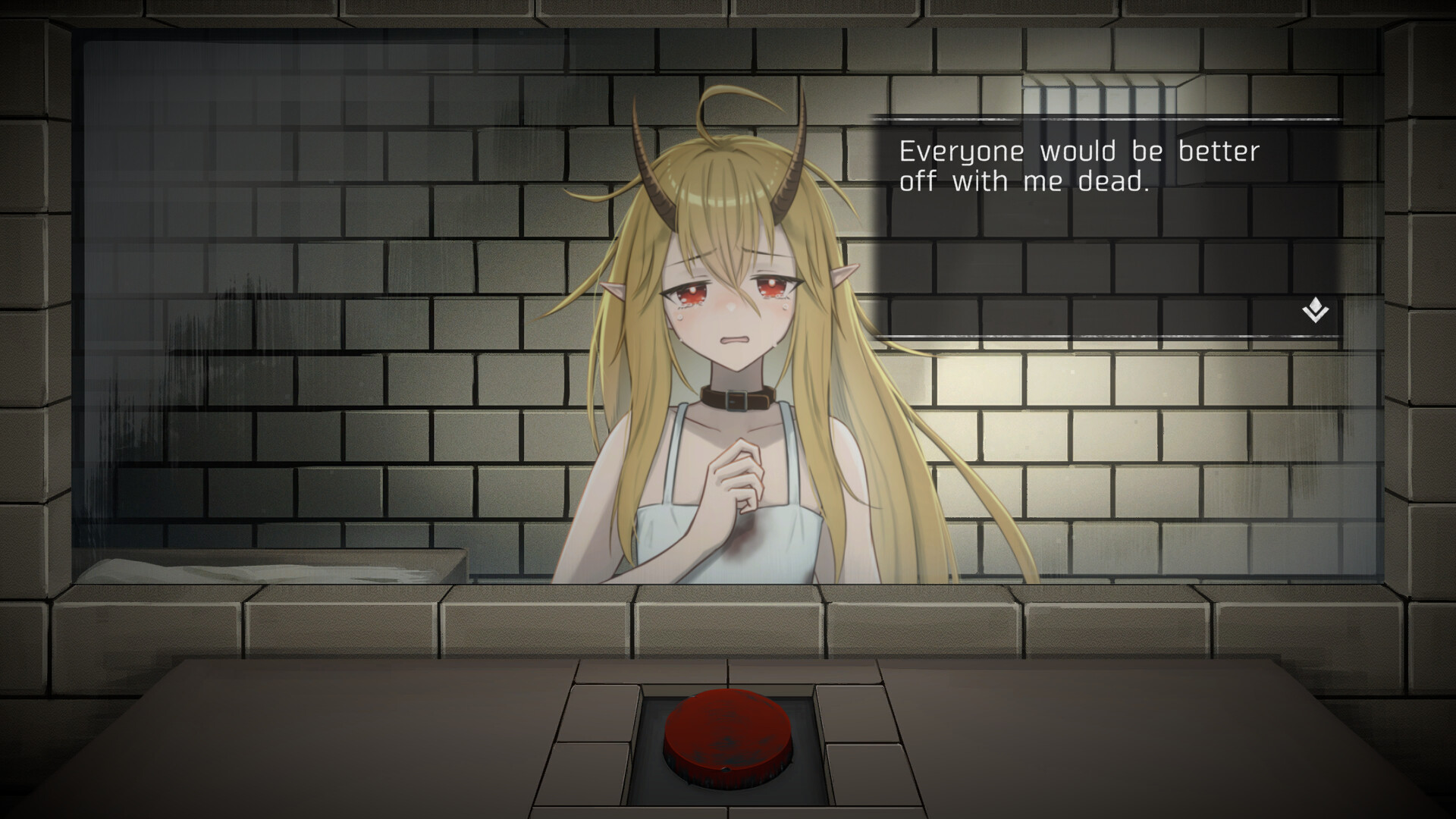
5omeday is a short point‑and‑click adventure where each play‑through lasts about five minutes. The player can press a red execute button at any moment, even during dialogue, to instantly end Mira and alter the story direction.
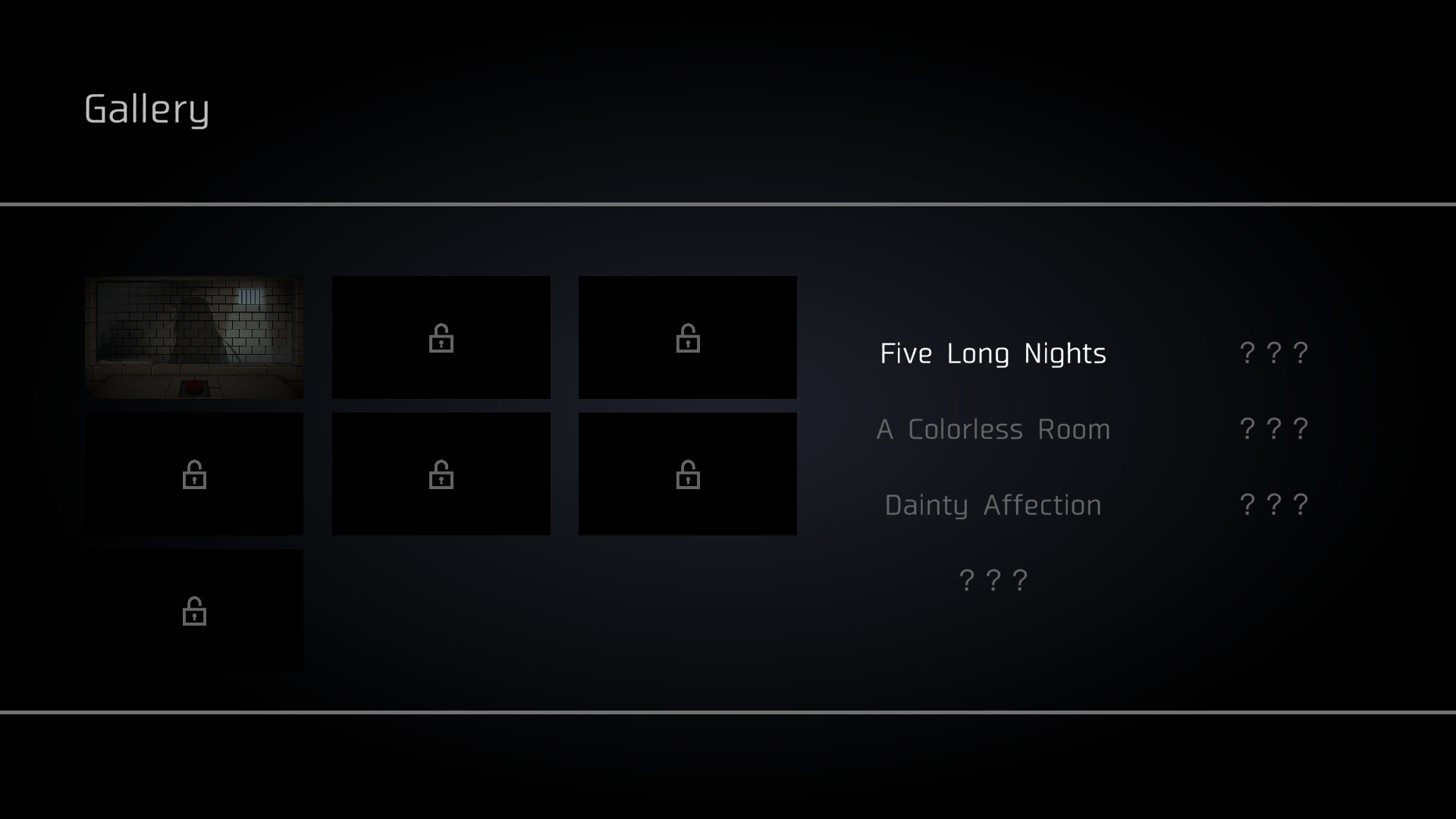
The remake adds full voice work for Mira, new endings, background music, still shots, illustrations, and a gallery. It runs on Windows, offers Steam achievements, full controller support, custom volume controls, a mouse‑only option, and can be played without timed input. English and Chinese (traditional and simplified) are supported.
01 / THE GUIDE
Gameplay Mechanics
Interaction is handled through point‑and‑click controls, with the central action being the red execute button that can be pressed at any time, including mid‑conversation. Pressing the button ends Mira instantly and influences the narrative path.
Each session is brief, roughly five minutes, and the game does not require timed inputs, allowing players to consider choices at their own pace before deciding whether to use the execute button.
- Try pressing the button early in a conversation to see how the dialogue changes.
- Observe how avoiding the button altogether leads to different narrative branches.
02 / THE GUIDE
Narrative and Endings
The story adapts to the player’s decisions, including the timing of the execute button, resulting in thirteen distinct endings. The description cites curiosity and remorse as factors that shape which ending is reached.
Because each play‑through is short, players can quickly test alternative choices and compare how different moments of pressing—or not pressing—the button affect the final outcome.
- Note which endings appear after pressing the button at different moments.
- Use the gallery to recall visual details that accompany each ending.
03 / THE GUIDE
Audio and Voice
Mira is fully voiced by Nako Natsuki, providing spoken dialogue throughout the remake. Background music, still shots, and illustrations are also added to enrich the atmosphere.
The game lists a feature called Custom Volume Controls, indicating that players can adjust audio levels through an in‑game setting, though the exact parameters are not detailed.
- Experiment with the volume settings to find a level that lets you hear dialogue clearly.
- Listen for musical cues that may hint at narrative shifts.
04 / THE GUIDE
Achievements and Gallery
Steam achievements are available for the game, suggesting that specific actions or endings are tracked and rewarded within the platform’s achievement system.
A newly added gallery feature gives players a place to view collected visuals from the game.
- Check the achievement list to identify which endings you have not yet unlocked.
- Review gallery images for visual hints about alternative story routes.
05 / THE GUIDE
Platform and Input Options
5omeday runs on Windows and includes Full Controller Support, a Mouse Only Option, and Custom Volume Controls. The description also notes that the game can be played without timed input, making it accessible to various play styles.
Family Sharing is listed among the game's supported features.
- Try both controller and mouse‑only modes to see which feels more natural for point‑and‑click actions.
- Use the custom volume controls to balance audio to your preference.

COMMUNITY
Player discussion