 GameWiki
GET YOUR BEARINGS
About 4D Minesweeper
4D Minesweeper expands the classic Minesweeper puzzle into four dimensions, where each cell can be linked to up to 80 neighboring cells. The extra connections provide more numerical clues, reducing the need for pure guessing and creating richer spatial reasoning.
The title ships with over 80 preset puzzles, a delta display mode, optional spherical geometry (tubes, tori, cubes), a one‑click start button, and an autosave system that preserves progress between sessions.
01 / THE GUIDE
Four‑Dimensional Neighbor Highlighting
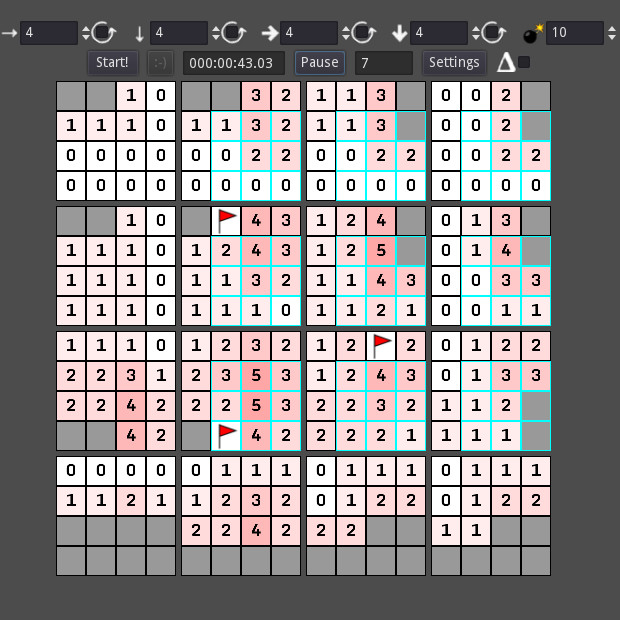
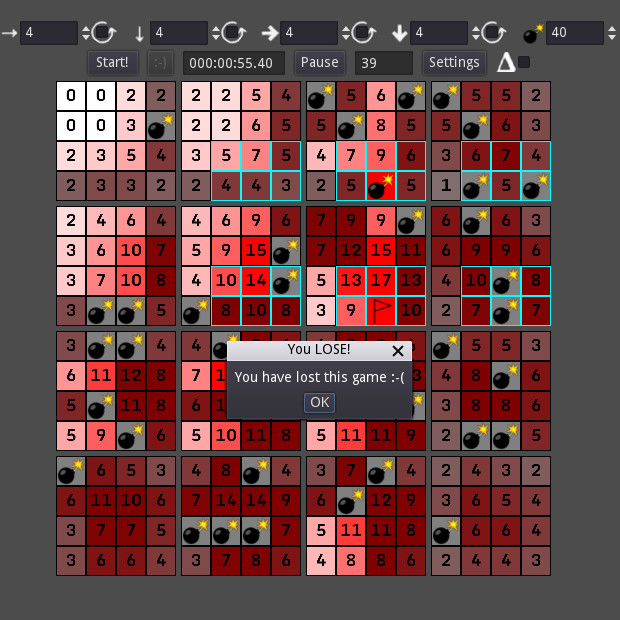
In four dimensions each square can have up to 80 neighbors, far more than the eight in classic Minesweeper. When you move onto a square the game highlights all of its neighbors, making the dense connectivity visible.
Because the highlighted count is large, the supplied puzzles can be solved without resorting to guesswork, offering a deterministic puzzle experience.
- Watch the highlighted cells to gauge local mine density before clicking.
- Compare neighbor counts of adjacent squares to narrow possible mine locations.
02 / THE GUIDE
Delta Mode Display
Delta mode replaces the usual total‑mine number with the count of remaining mines for each square. This alternative view tells you how many mines are still undiscovered around a cell.
The mode gives a different deduction angle, especially when tracking how many mines have been cleared helps you confirm earlier conclusions.
- Use the remaining‑mine numbers to double‑check deductions made in standard mode.
- Switch back to the normal total if you need a broader overview of the board.
03 / THE GUIDE
Spherical Dimension Options
You can make each dimension spherical, allowing play on tubes, tori, and cubes. Edge wrapping changes how neighbors connect across boundaries, altering the logical layout of the puzzle.
Although the underlying topology varies, the game is always presented in two dimensions, so visualisation stays familiar while the neighbor relationships differ.
- Try a torus to see how edge wrapping repeats patterns.
- Notice how spherical wrap can create symmetrical neighbor groups.
04 / THE GUIDE
Autosave and Quick Start
A dedicated button provides an immediate puzzle start, removing the need for manual configuration. This lets you jump straight into a game with a single click.
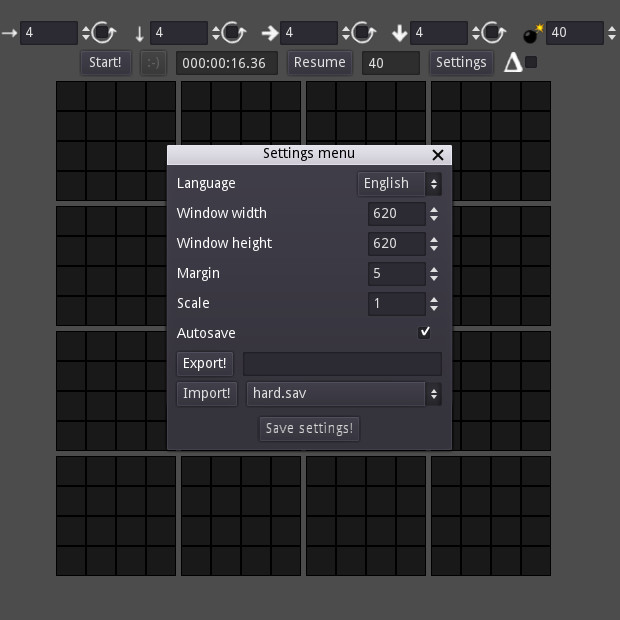
If you pause or close the application, the autosave feature records your current board so you can resume later without losing any progress.
- Use the quick‑start button for fast, low‑commitment sessions.
- Rely on autosave when experimenting with risky moves.
05 / THE GUIDE
Cross‑Platform Availability
4D Minesweeper runs on Windows, macOS, and Linux, making it available to desktop users on those systems. The game is a single-player title.
Steam Cloud and Family Sharing are listed as features, indicating optional cloud saves and sharing, but they do not alter core gameplay across the supported operating systems.
- Pick the OS you prefer; the game is listed for Windows, macOS, and Linux.
- Enable Steam Cloud if you plan to switch computers.
COMMUNITY
Player discussion