 GameWiki
GET YOUR BEARINGS
About 3dSen VR
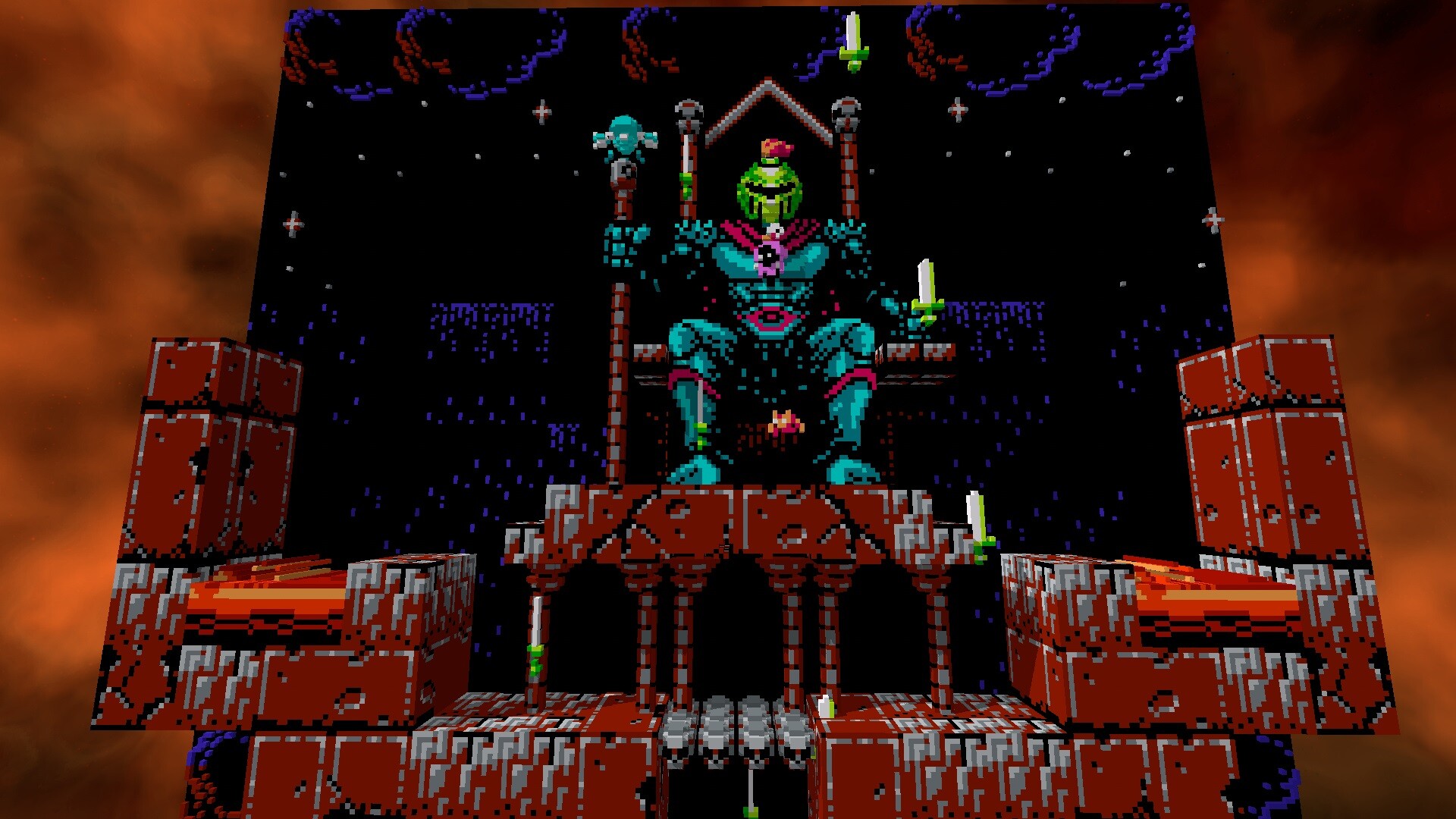
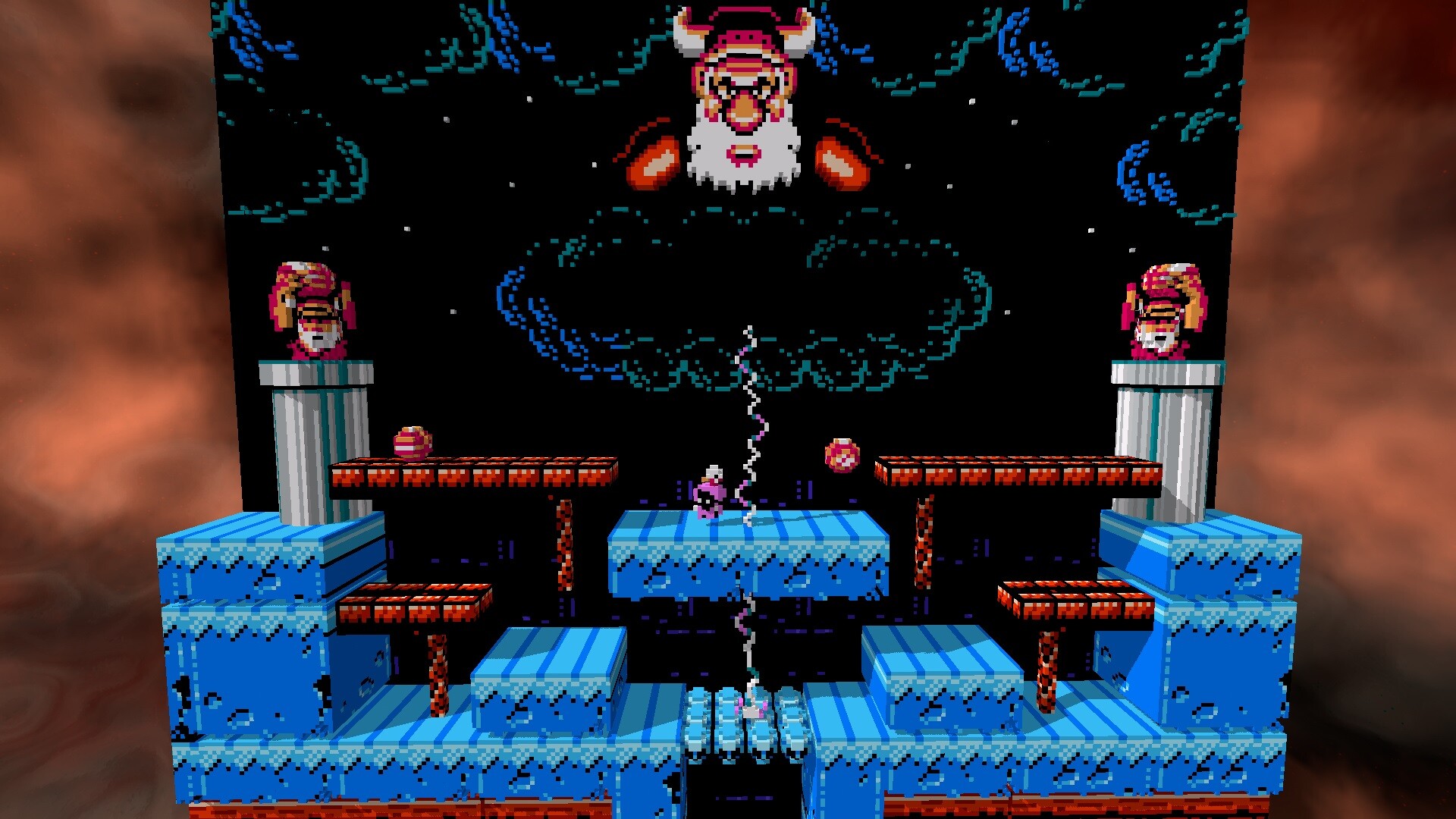
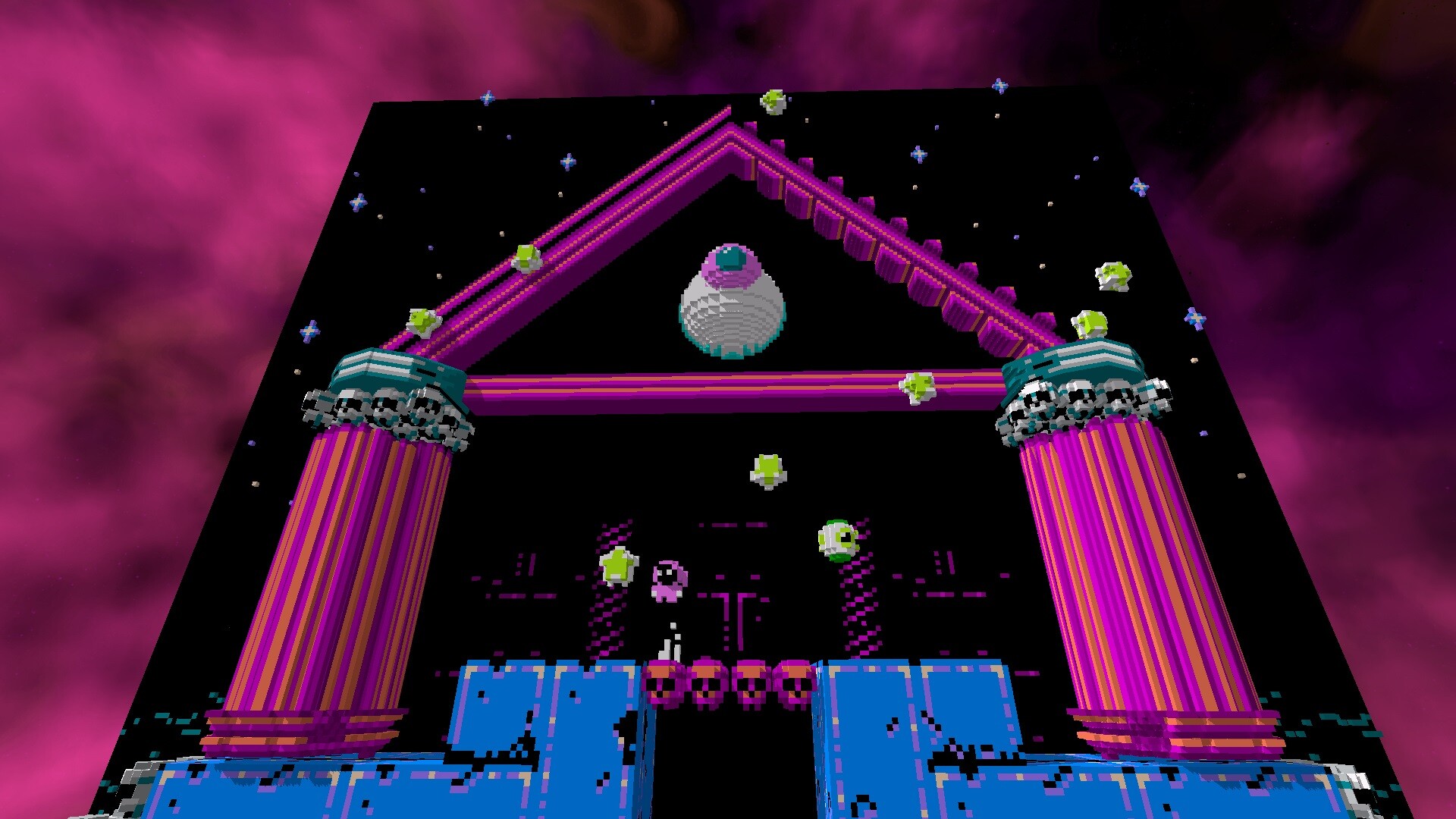
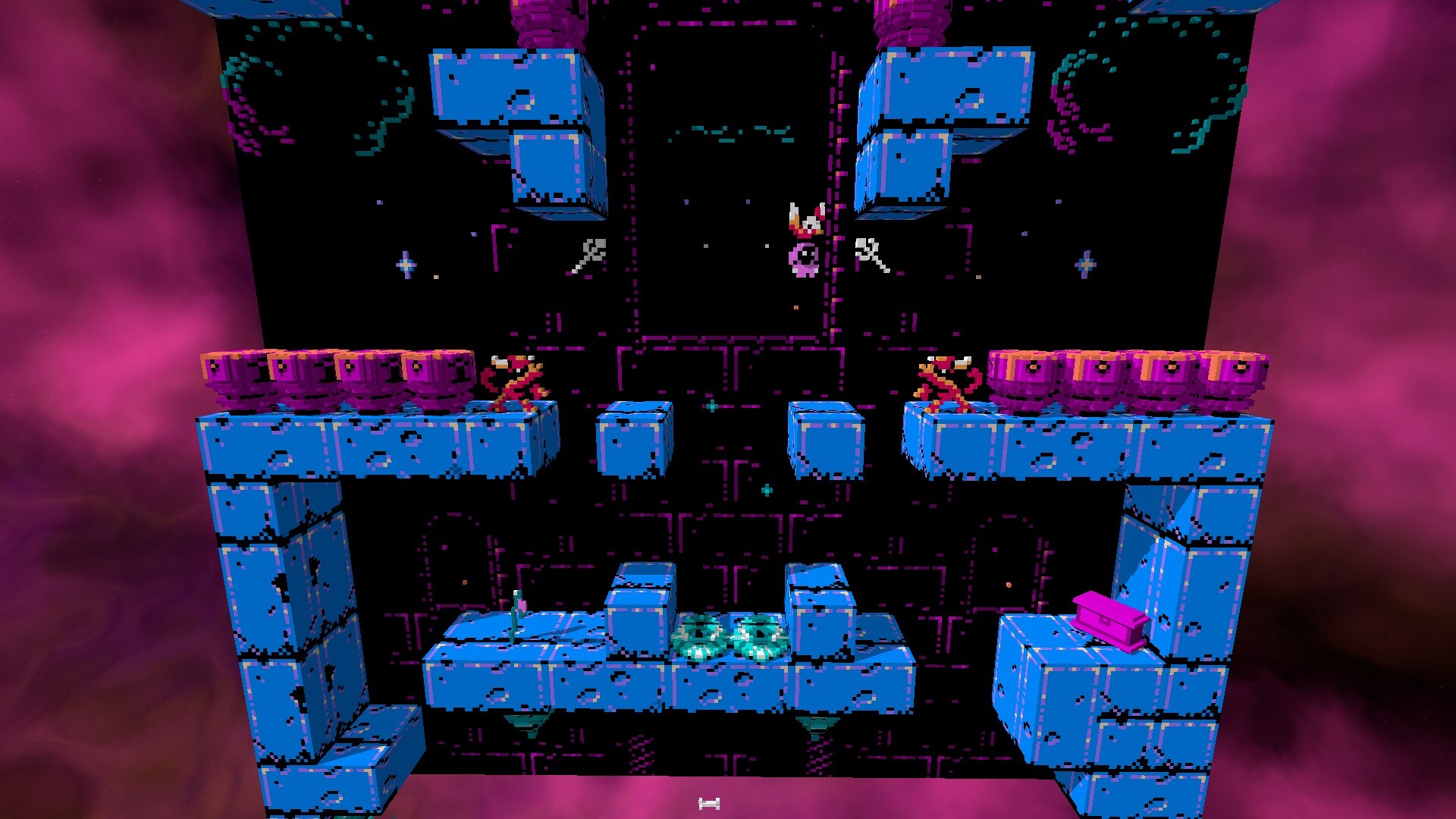
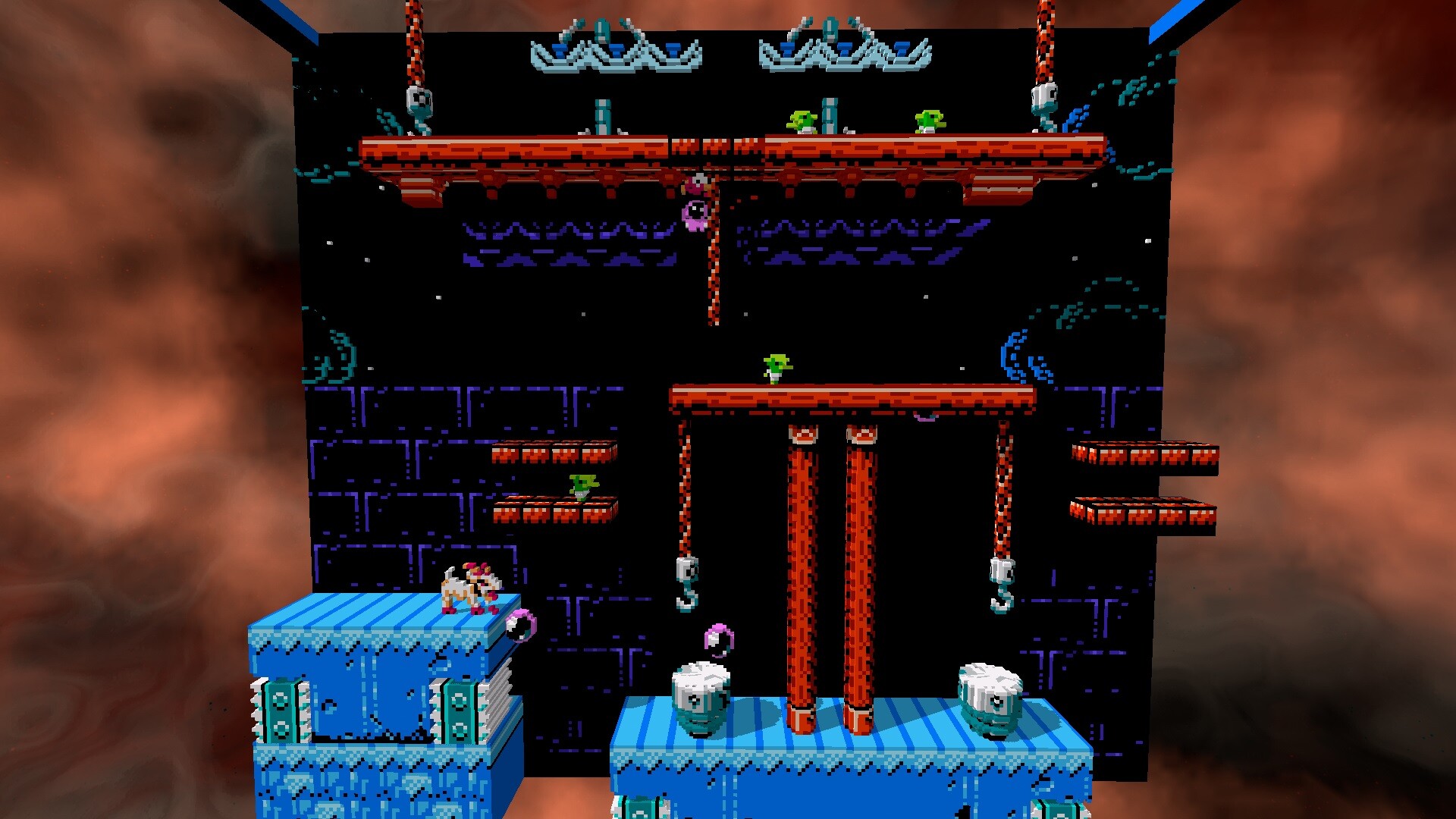
3dSenVR reimagines classic NES titles as 3D voxel dioramas for Virtual Reality, letting players explore beloved platformers, RPGs, shooters and more in immersive space. The emulator does not include any ROMs; users must supply their own game files.
The experience can run in full VR, desktop mode, or Mixed Reality on Meta Quest, and supports quick saving, rollback, and motion‑controller interactions such as a Zapper for Duck Hunt. A growing library of over 100 games, plus tools for custom cover art and exporting scenes, keeps the retro catalog fresh.
01 / THE GUIDE
Ever‑Growing Game Support
The emulator offers a hand‑crafted library of more than 100 titles, ranging from Super Mario Bros to Final Fantasy and numerous homebrew releases. New games are added over time, expanding the selection without altering the core emulator.
Because no ROMs are bundled, players must provide their own copies of each NES game they wish to play. This requirement applies to every title, regardless of genre or popularity.
- Check community lists for popular homebrew titles that already have voxel presets.
- Organize your ROM folder with matching filenames to simplify loading in the UI.
02 / THE GUIDE
VR & Desktop Support
Players can choose between full VR immersion or a classic desktop view, allowing flexibility for headset owners and non‑VR users alike. You can pick whichever mode suits your setup.
Both modes present the game as a voxel diorama, so you can enjoy quick saves and rollback whether you’re seated at a desk or standing in a virtual room.
- Test a game in desktop mode first to gauge performance before switching to VR.
- Use the laser pointer UI to navigate menus quickly in either mode.
03 / THE GUIDE
Mixed Reality Mode (Meta Quest)
On Meta Quest devices, Mixed Reality overlays your real‑world surroundings behind the voxel diorama, creating a dynamic backdrop for NES nostalgia. The feature works without altering game mechanics.
The mode uses your real-world surroundings as a dynamic backdrop for the voxel scene.
- Clear a safe play area to avoid accidental collisions with real objects.
- Adjust lighting in your room for better contrast between the feed and the voxel scene.
04 / THE GUIDE
Quick Save/Load and Rollback
The emulator lets you save progress at any moment and reload instantly, making it easy to pause long sessions. Additionally, a rollback function can rewind mistakes, while fast forward skips slow sections.
These tools operate independently of VR or desktop mode, offering consistent control over game flow across all supported titles.
- Create a save before attempting a difficult boss to avoid repeated retries.
- Use rollback to experiment with different strategies without losing overall progress.
05 / THE GUIDE
Motion Controller Support
Certain games, such as Duck Hunt, Hogan’s Alley and Wild Gunman, accept motion controllers as a Zapper, letting you aim and fire with natural gestures. Punch‑Out!! also maps dodging, weaving and punching to tracked controller movements.
These titles are highlighted examples of the motion controller support.
- Calibrate your controller before playing a shooting game for accurate aim.
- Practice the Punch‑Out!! motions in a safe space to avoid hitting objects around you.
COMMUNITY
Player discussion