 GameWiki
GET YOUR BEARINGS
About 3dSen PC
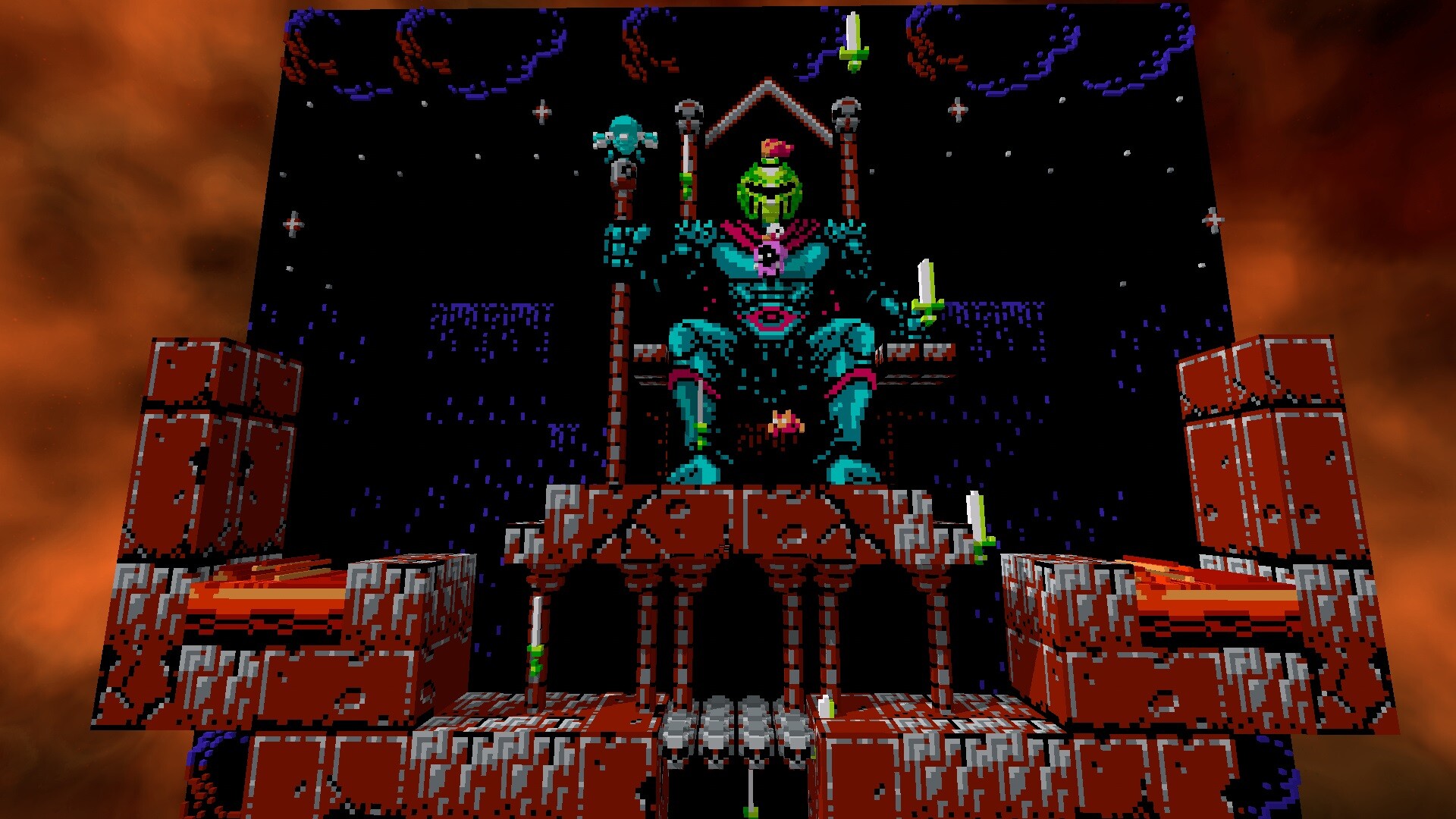
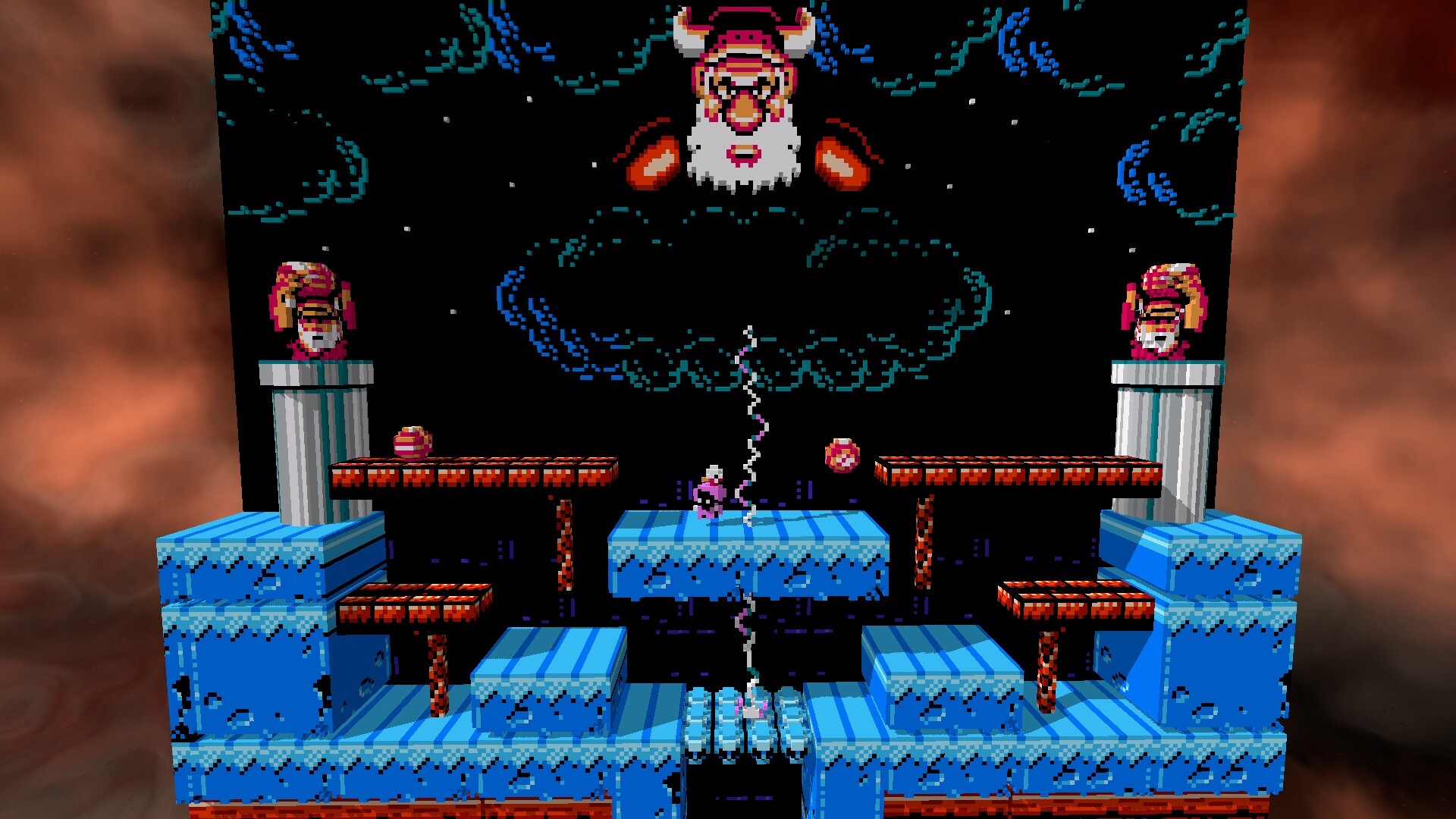
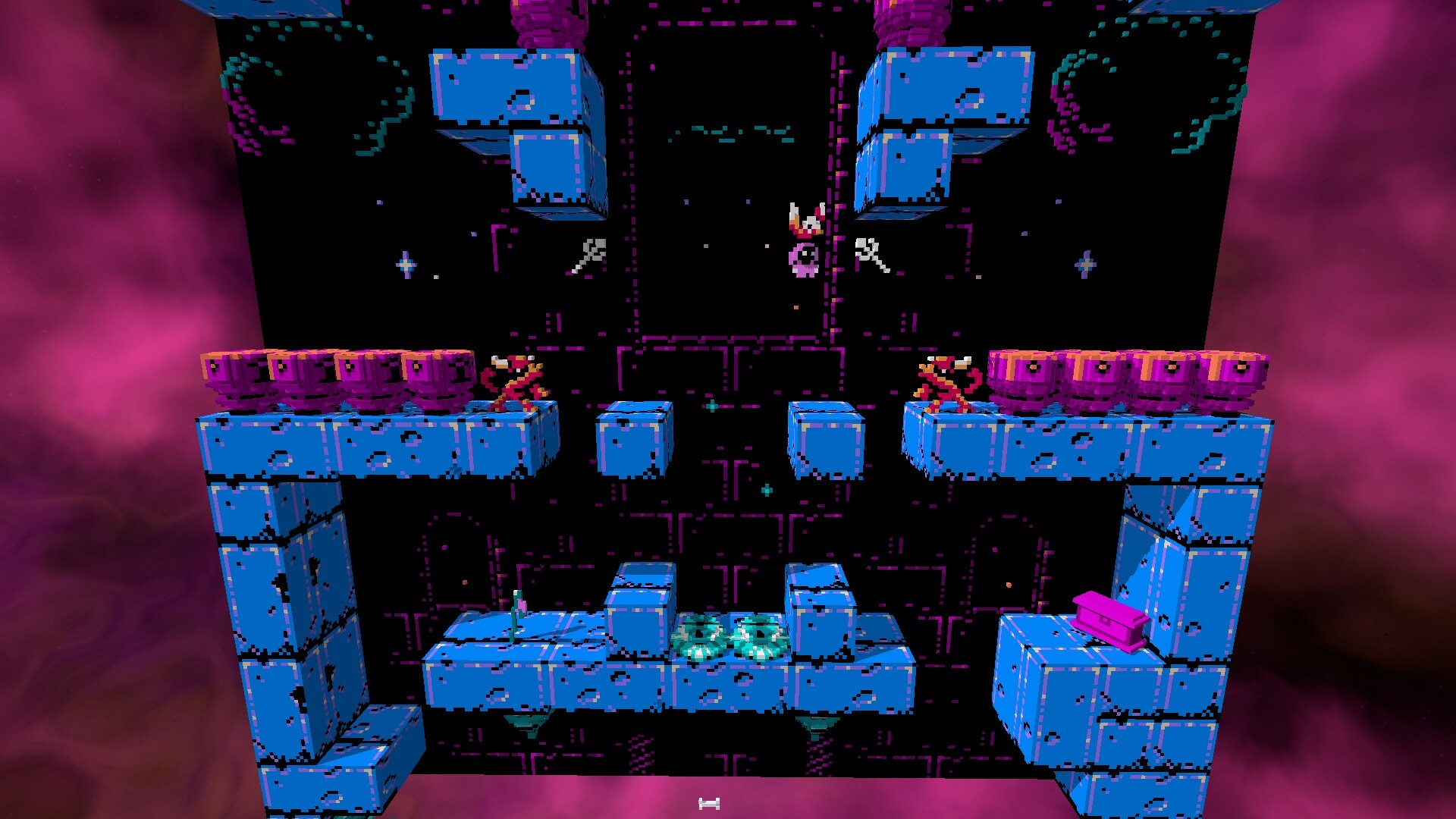
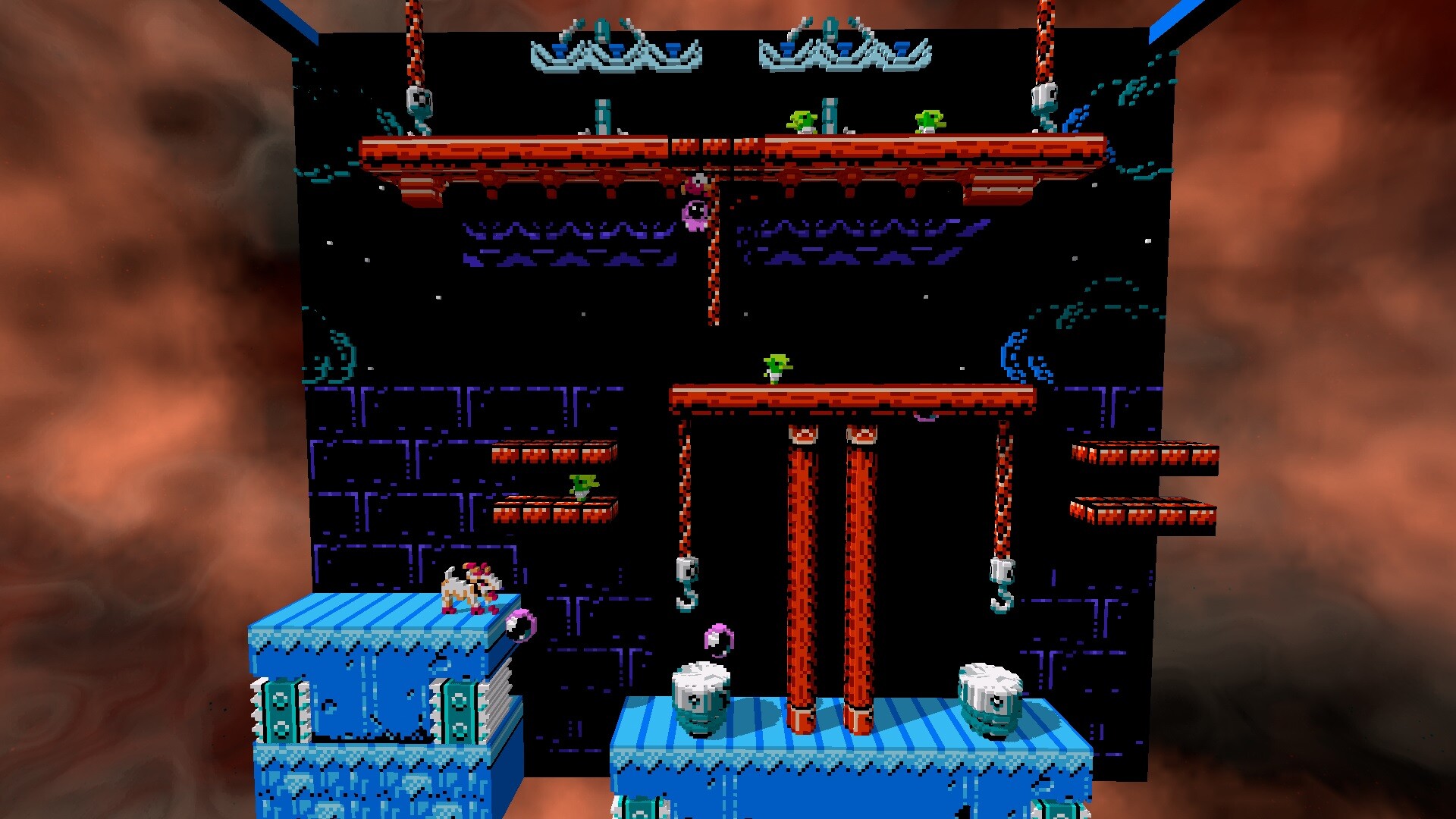
3dSen PC re‑renders NES cartridges as voxel‑styled 3D scenes while preserving the original game code. Over a hundred titles, from platformers to RPGs, are hand‑tuned for this conversion.
The program runs on Windows, Linux and Intel‑based macOS and adds quick‑save, free‑form camera, real‑time lighting, animated skyboxes and a 3D‑export option. Users must supply their own ROM files; a separate VR edition exists for headset play.
01 / THE GUIDE
Supported Game Library
More than 100 NES games are hand‑tuned for voxel conversion, spanning platformers, RPGs, shooters, beat ’em ups and puzzles.
The list includes classics such as Super Mario Bros, Contra, Metroid, Zelda and several home‑brew titles, showing how varied sprite art adapts to voxels.
- Check the catalog for genre variety before choosing a title.
- Try a lesser‑known home‑brew to see how unconventional sprites are handled.
02 / THE GUIDE
Quick Save / Load System
Players can save the current state at any moment and load it later, removing permanent failure risk.
A rollback feature lets you step backward after a mistake, while fast‑forward speeds up gameplay when desired.
- Save before a tough boss to experiment without losing progress.
- Use fast‑forward for repetitive sections, then rewind if needed.
03 / THE GUIDE
Camera Controls
The emulator allows free camera movement: pan, rotate and zoom to view voxel scenes from any angle.
Camera freedom does not alter game logic but lets you examine level geometry and hidden voxel details.
- Zoom out to see the full level layout before planning a route.
- Rotate around a scene to locate voxel elements invisible in 2‑D.
04 / THE GUIDE
Real‑Time Lighting and Shadows
Scenes are lit in real time, producing dynamic shadows that react to voxel geometry.
Animated skyboxes accompany the lighting, allowing backgrounds to change over time.
- Observe shadow shifts while rotating the camera to appreciate depth cues.
- Compare a static 2‑D sprite with its lit voxel counterpart.
05 / THE GUIDE
3D Export Capability
Any supported scene can be saved as a standard 3D file for viewing or editing in external tools.
Custom cover art can be assigned to each game, personalising the library’s visual presentation.
- Export a favourite level and open it in a free viewer to explore geometry outside the emulator.
- Use custom cover images to differentiate ROMs at a glance.

COMMUNITY
Player discussion