 GameWiki
GET YOUR BEARINGS
About 3D Math - Ultra
3D Math – Ultra is a single‑player training title that aims to improve computational and logical abilities by covering school‑level formulas. It runs on Windows, macOS and Linux and can be accessed through family‑sharing licenses.
The game combines a formula‑entry desk, a set of dynamic mini‑games, and a Challenge mode with hundreds of task lists, providing a structured yet varied practice environment.
01 / THE GUIDE
Core Gameplay
The central objective is to study all school‑teaching formulas, with each formula presented alongside a decomposition that explains its derivation. Players work through difficulty levels that are described as dynamic and responsive, encouraging steady mental effort.
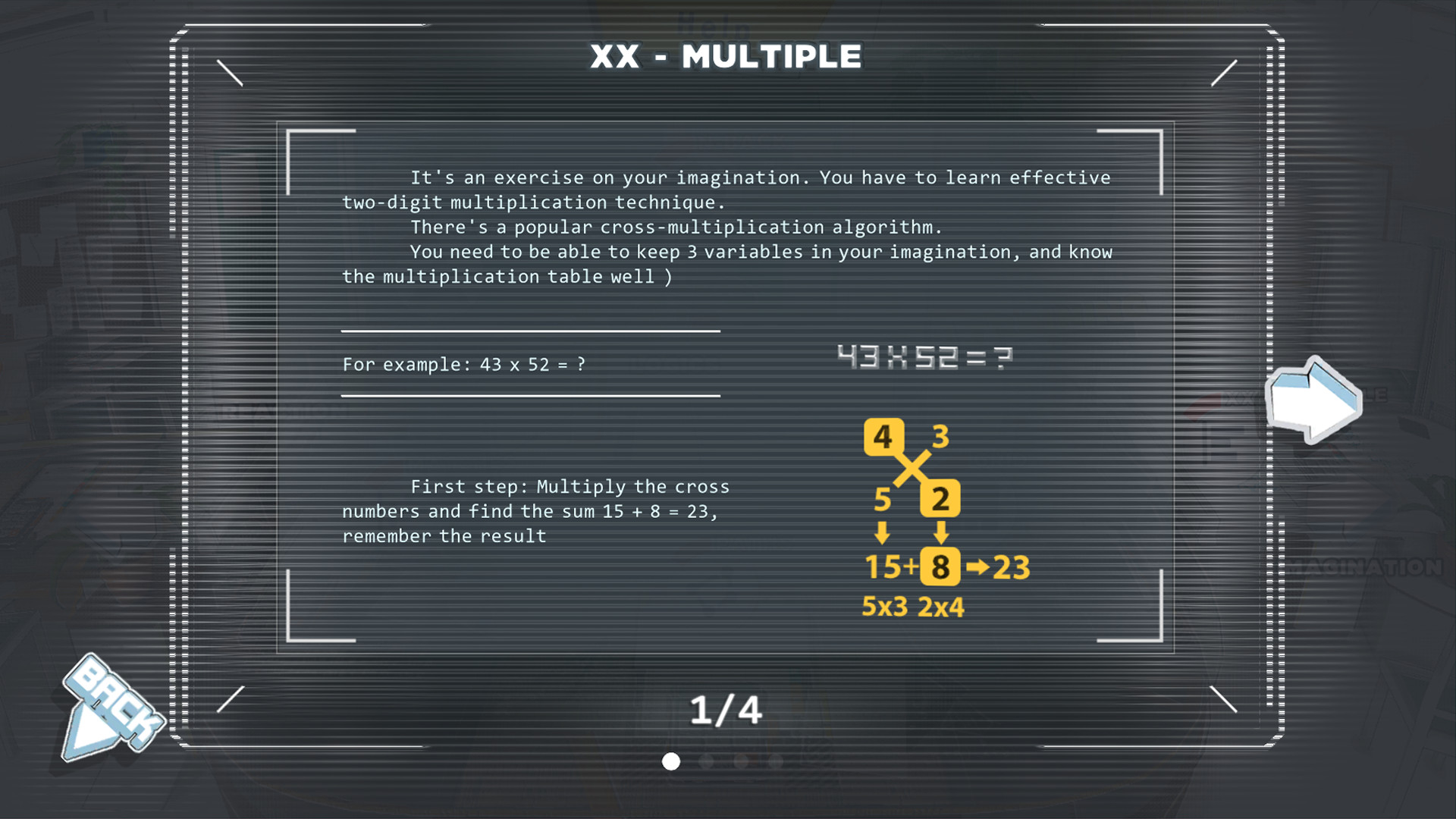
A help section is included to assist players in mastering common functions quickly, offering concise explanations that support both casual sessions and longer training periods.
- Refer to the help section early to become familiar with frequently used functions.
- Progress through the listed difficulty levels to gauge improvement over time.
02 / THE GUIDE
Formula Desk
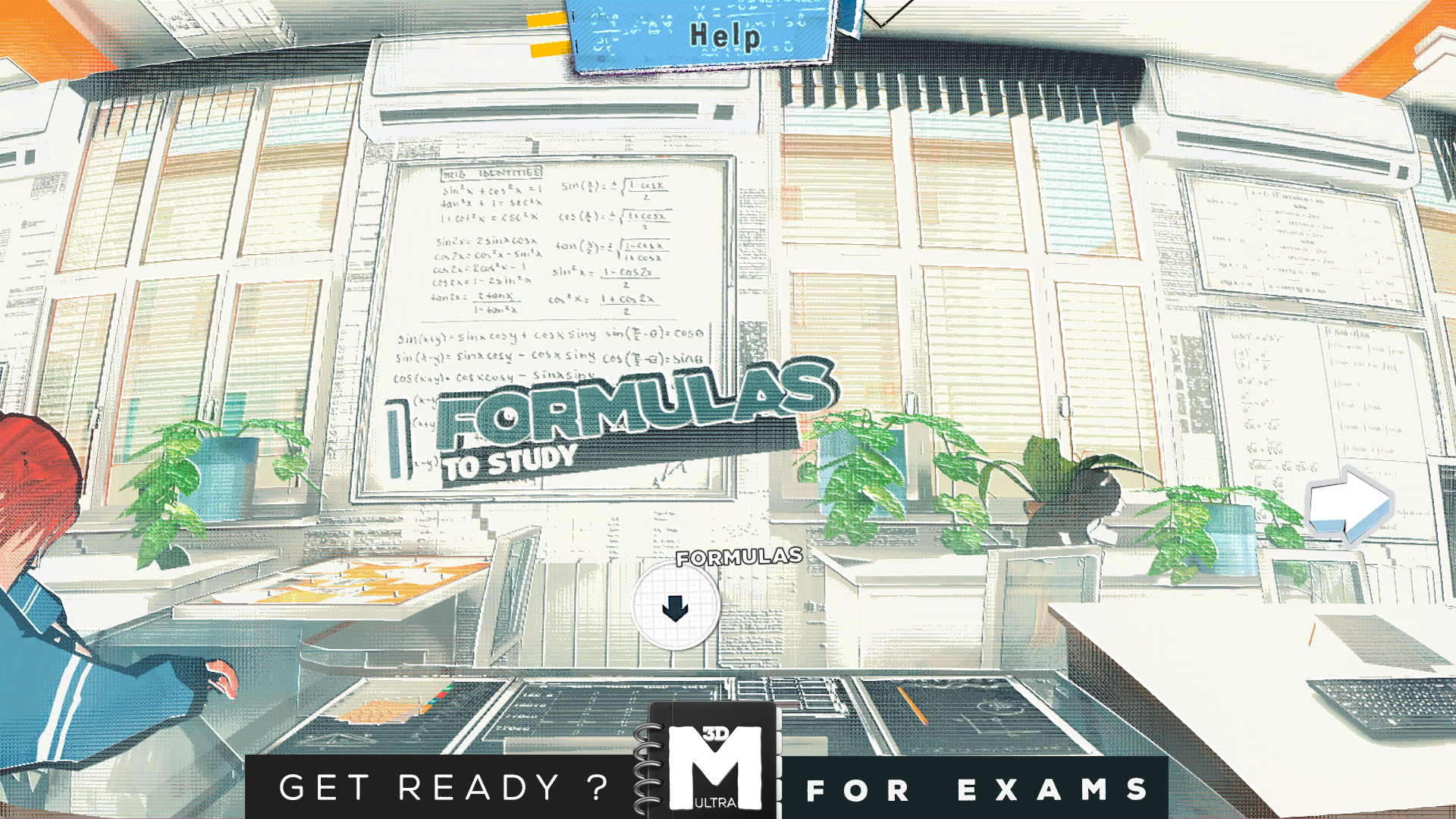
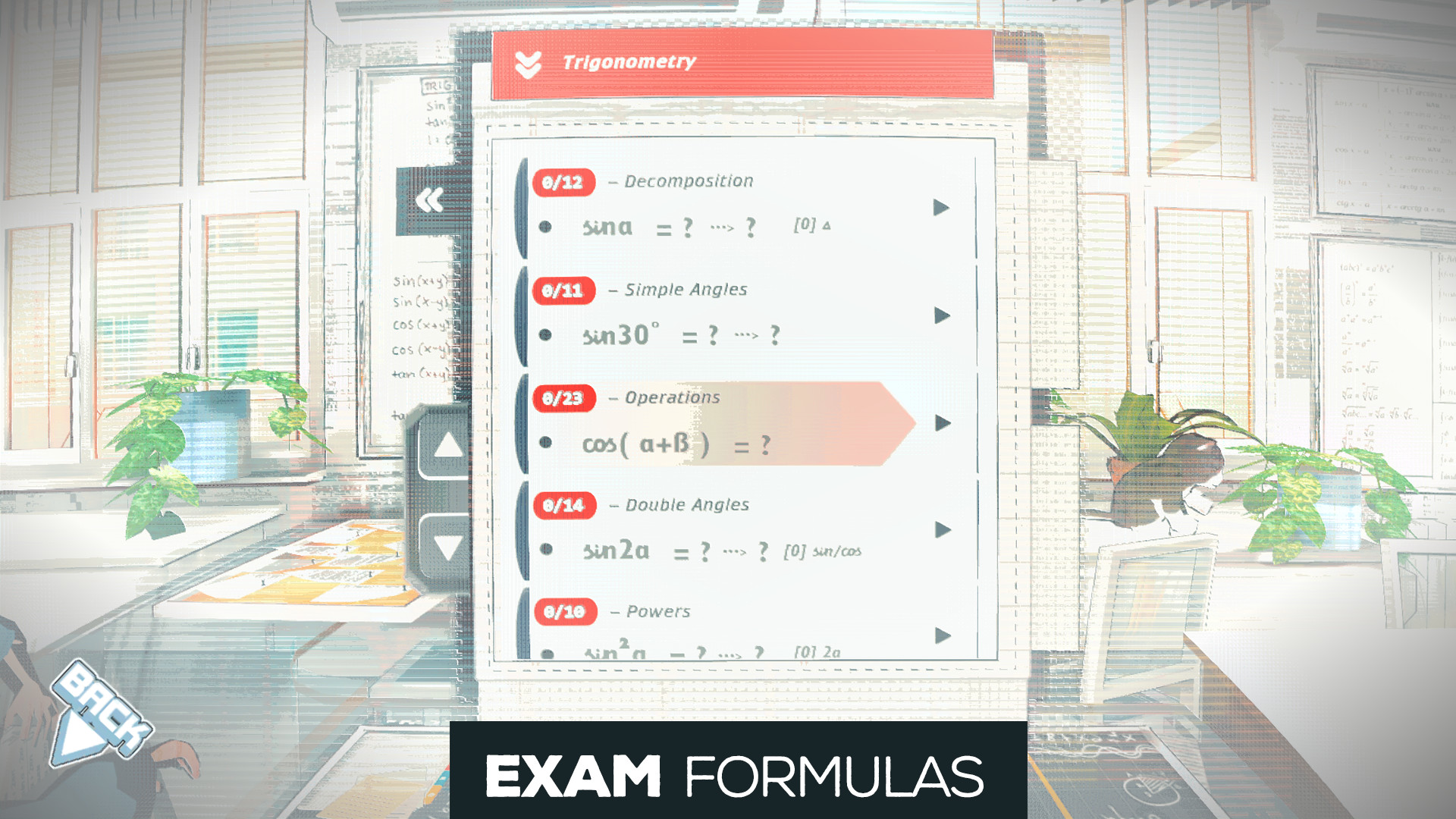
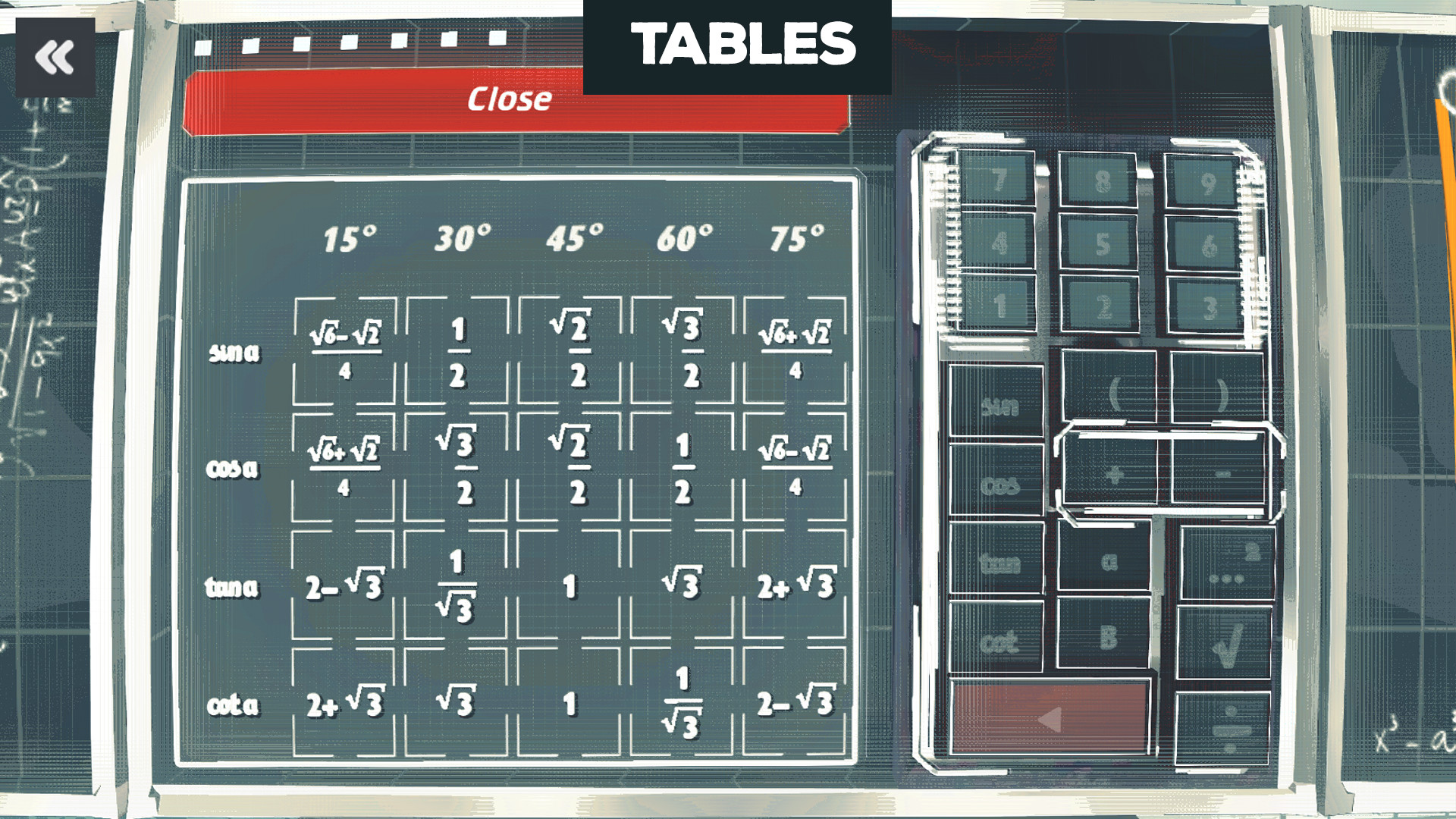
Formulas are combined on a separate desk where each operator must be entered manually. The desk contains a large collection of formulas, including some rare tricks, each paired with a special decomposition for deeper understanding.
Tables are also provided; their formulas need to be entered one operator at a time, reinforcing careful input and reinforcing the logical steps shown in the decompositions.
- Read each decomposition before entering a formula to ensure correct entry.
- Practice the manual entry on tables to improve precision.
03 / THE GUIDE
Dynamic Mini‑Games
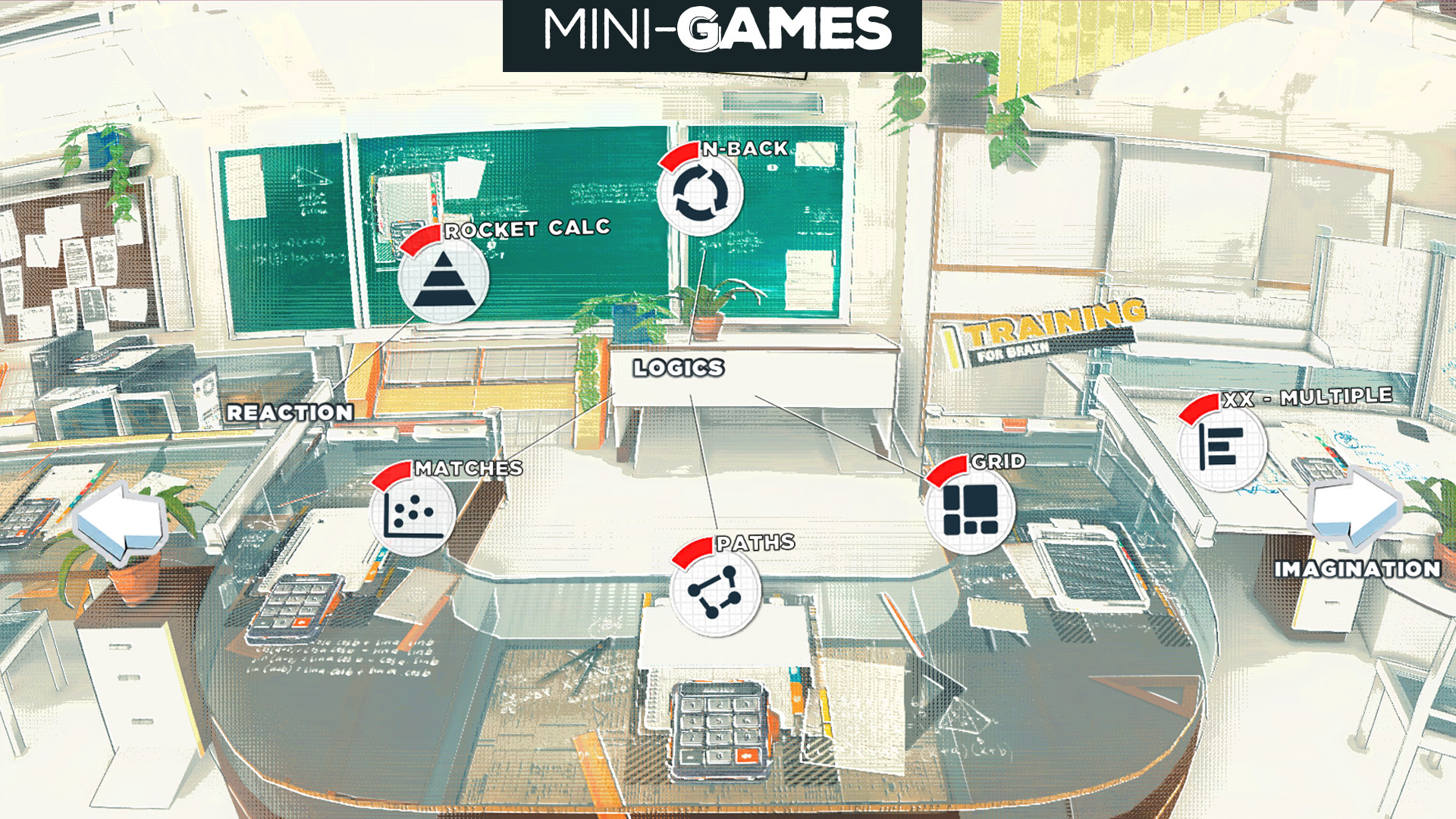
Several dynamic training mini‑games are placed on tables to the right of the main area. Each mini‑game offers a wide range of difficulty levels, providing varied practice that complements the formula desk.
These mini‑games are designed to let players apply learned equations in interactive scenarios, adding variety to the overall training routine.
- Start with lower difficulty levels to build confidence before advancing.
- Rotate between different mini‑games to keep practice fresh.
04 / THE GUIDE
Challenge Mode
Challenge mode contains over 200 to‑do lists, each with three or five tasks that increase in difficulty. This structure creates a progressive training path that can exceed 1500 minutes of brain‑training gameplay.
The mode mixes tasks from the formula desk and the mini‑games, encouraging systematic practice across all available content.
- Follow the increasing difficulty to track personal progress.
- Use the to‑do lists as a daily training schedule for consistency.
05 / THE GUIDE
Help Section
A dedicated help section offers concise explanations of common functions, allowing players to quickly learn or review needed concepts. It is intended for short‑term mastery before deeper study.
The help content supports both newcomers and experienced users who want a refresher on specific formulas, acting as a quick reference during any part of the game.
- Consult the help section whenever a formula feels unfamiliar.
- Use it as a quick reference while completing Challenge tasks.
COMMUNITY
Player discussion