 GameWiki
GET YOUR BEARINGS
About 100 Robo Cats
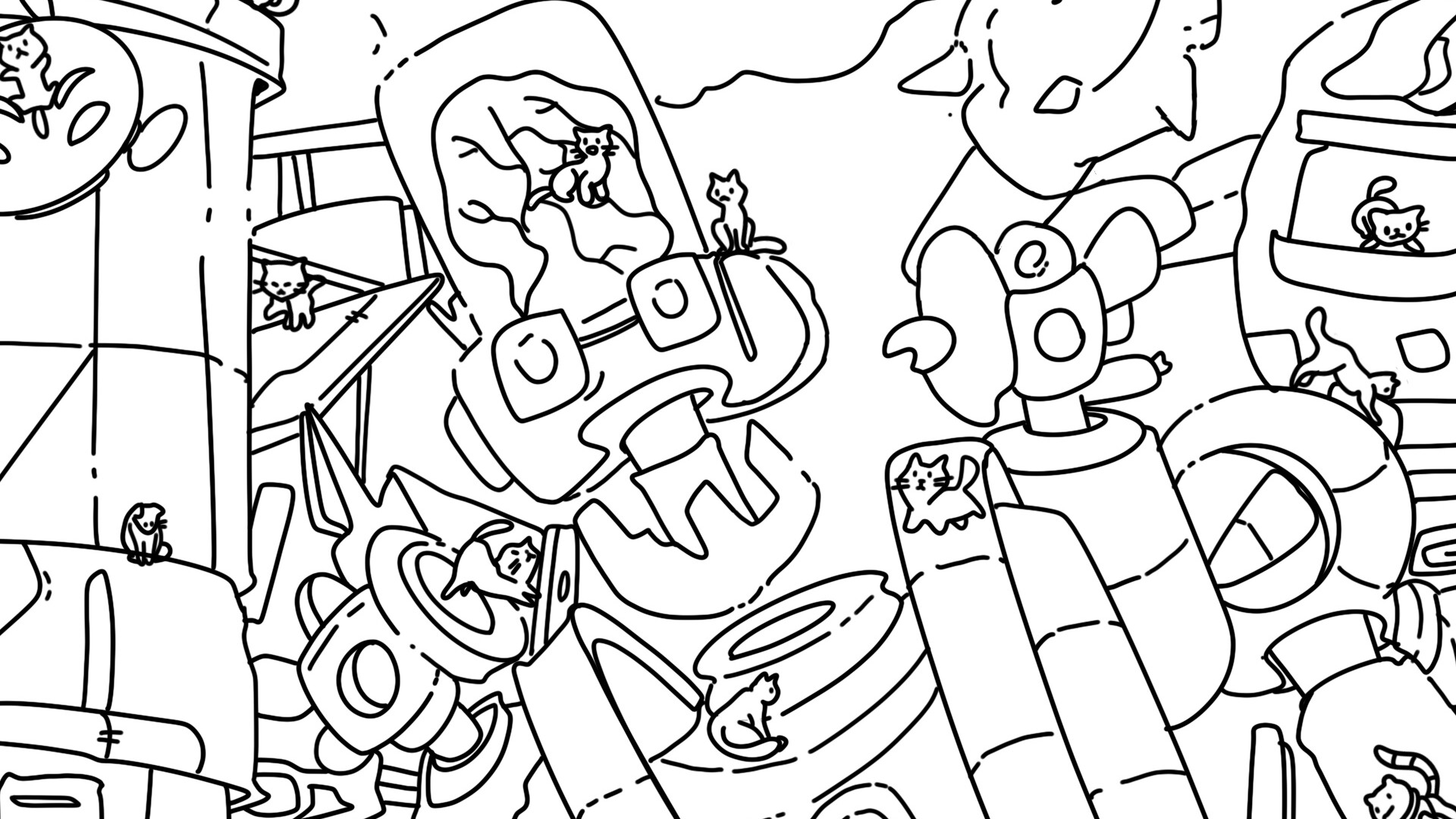
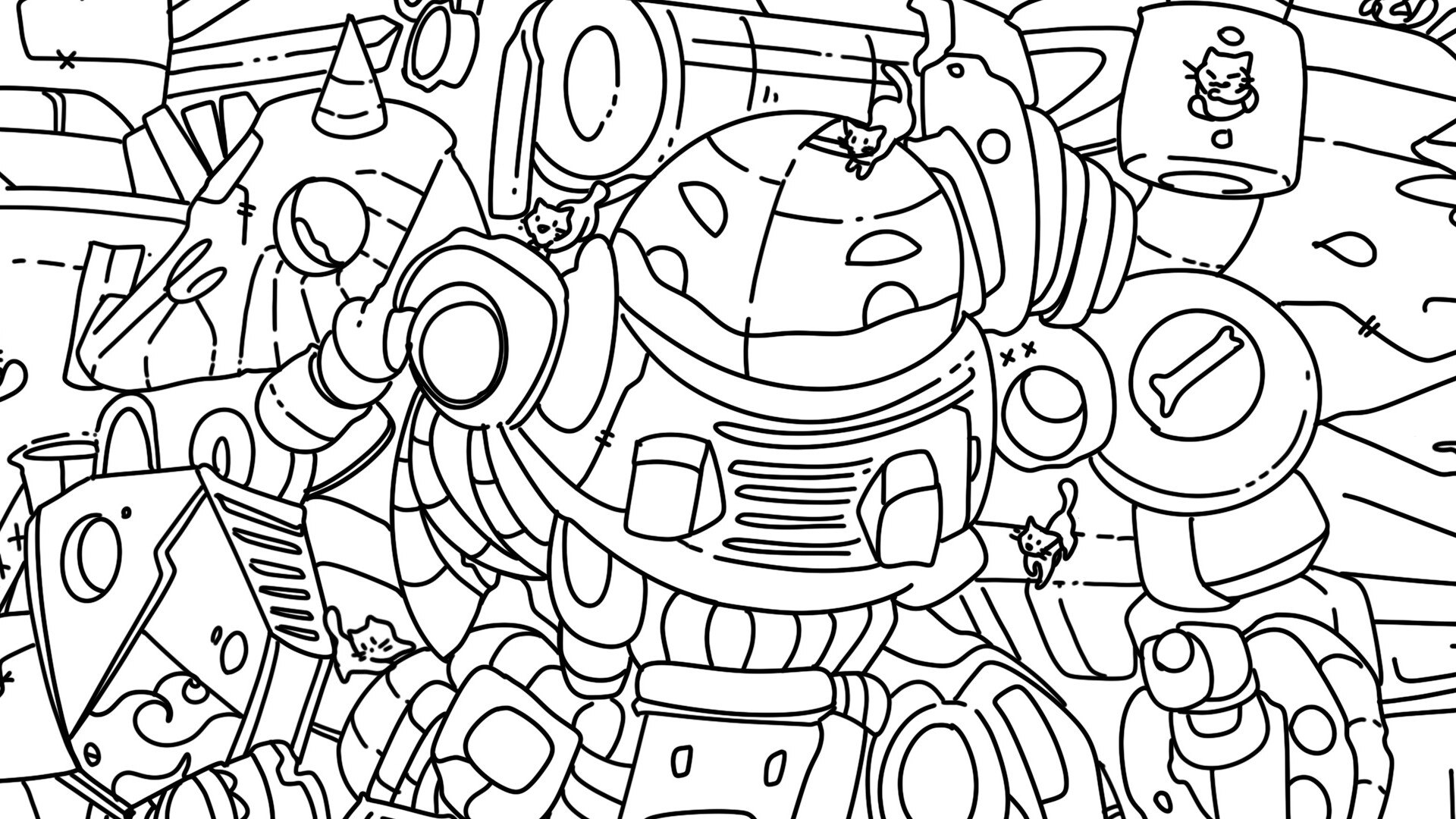
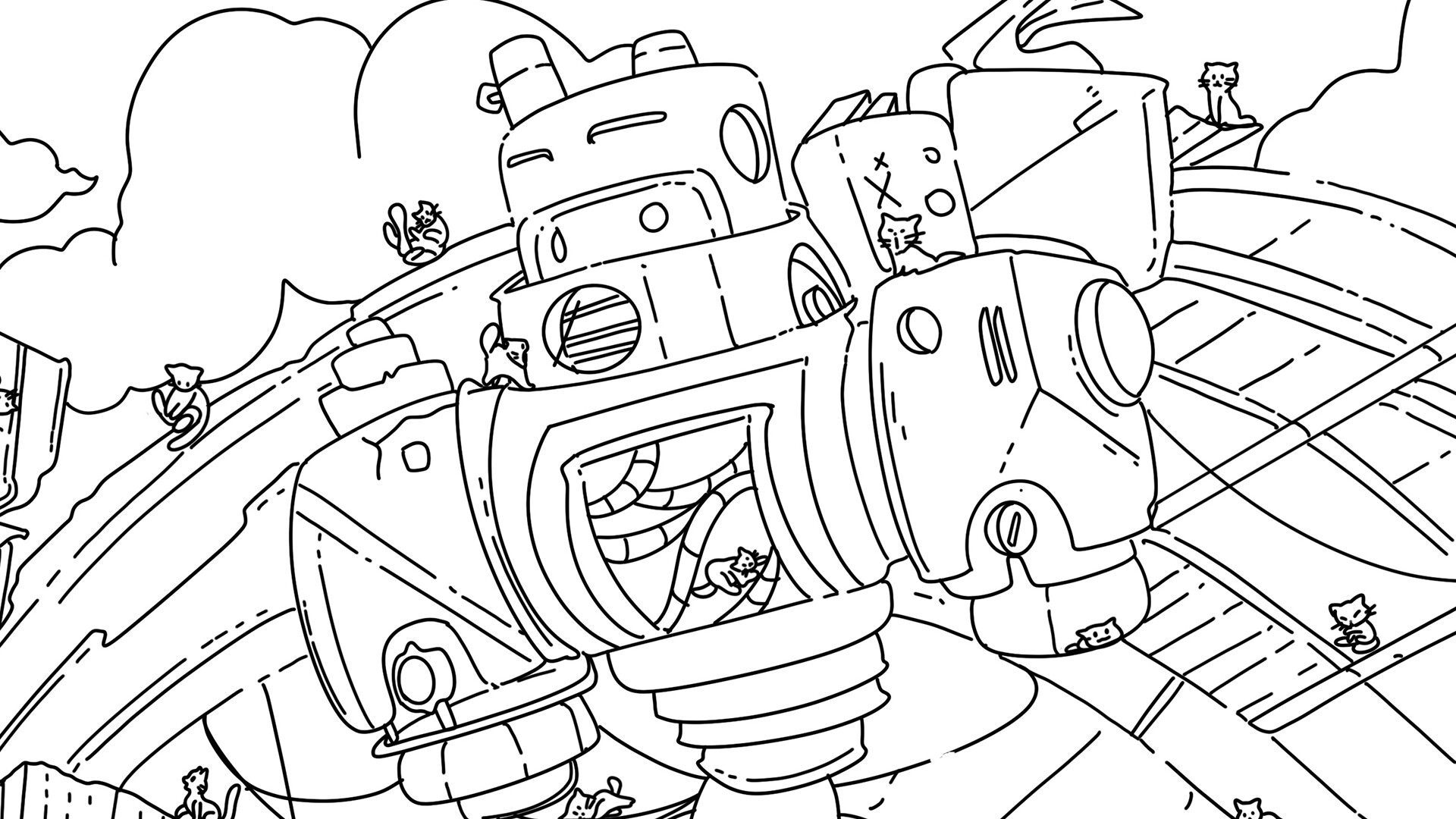
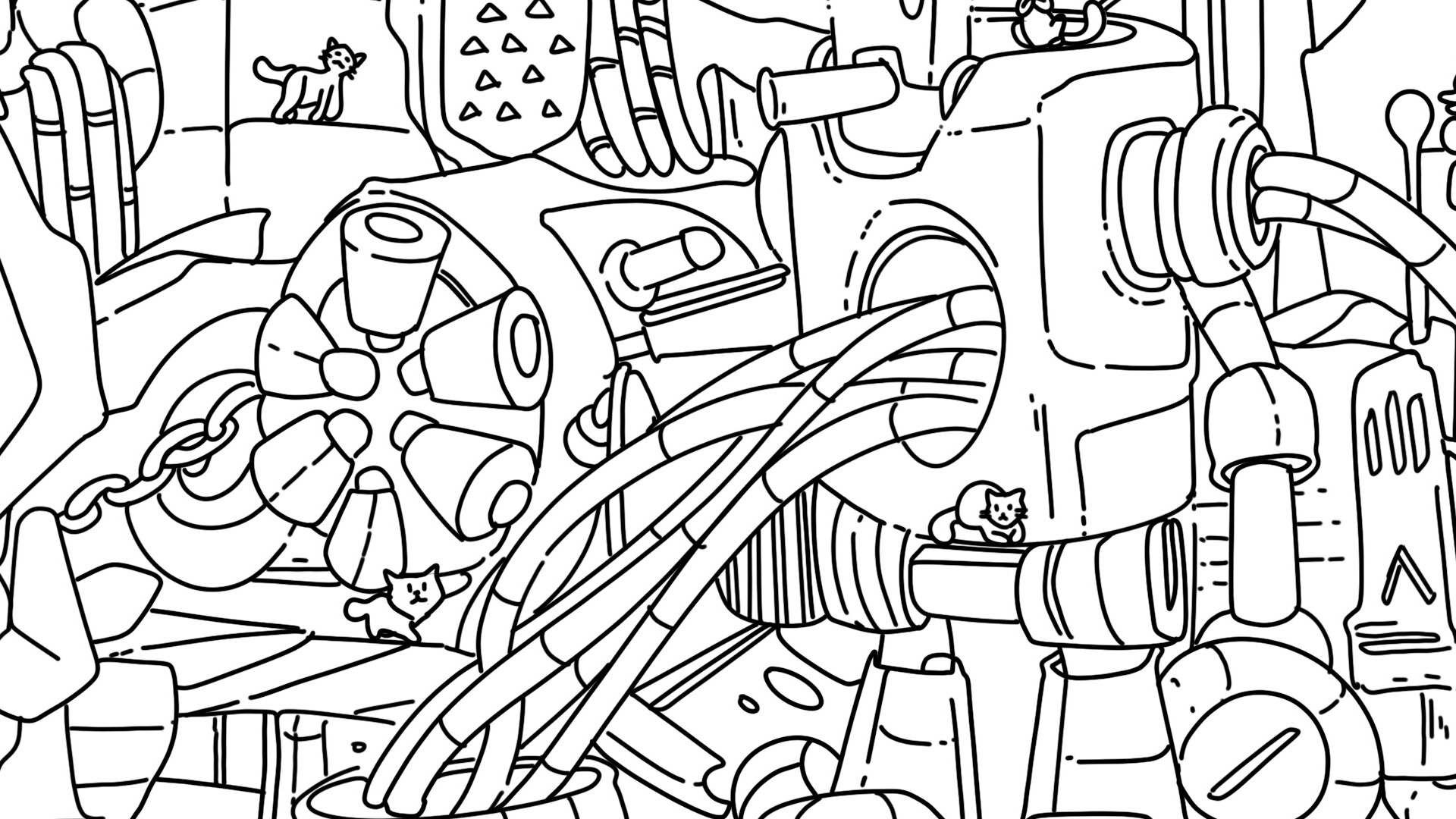
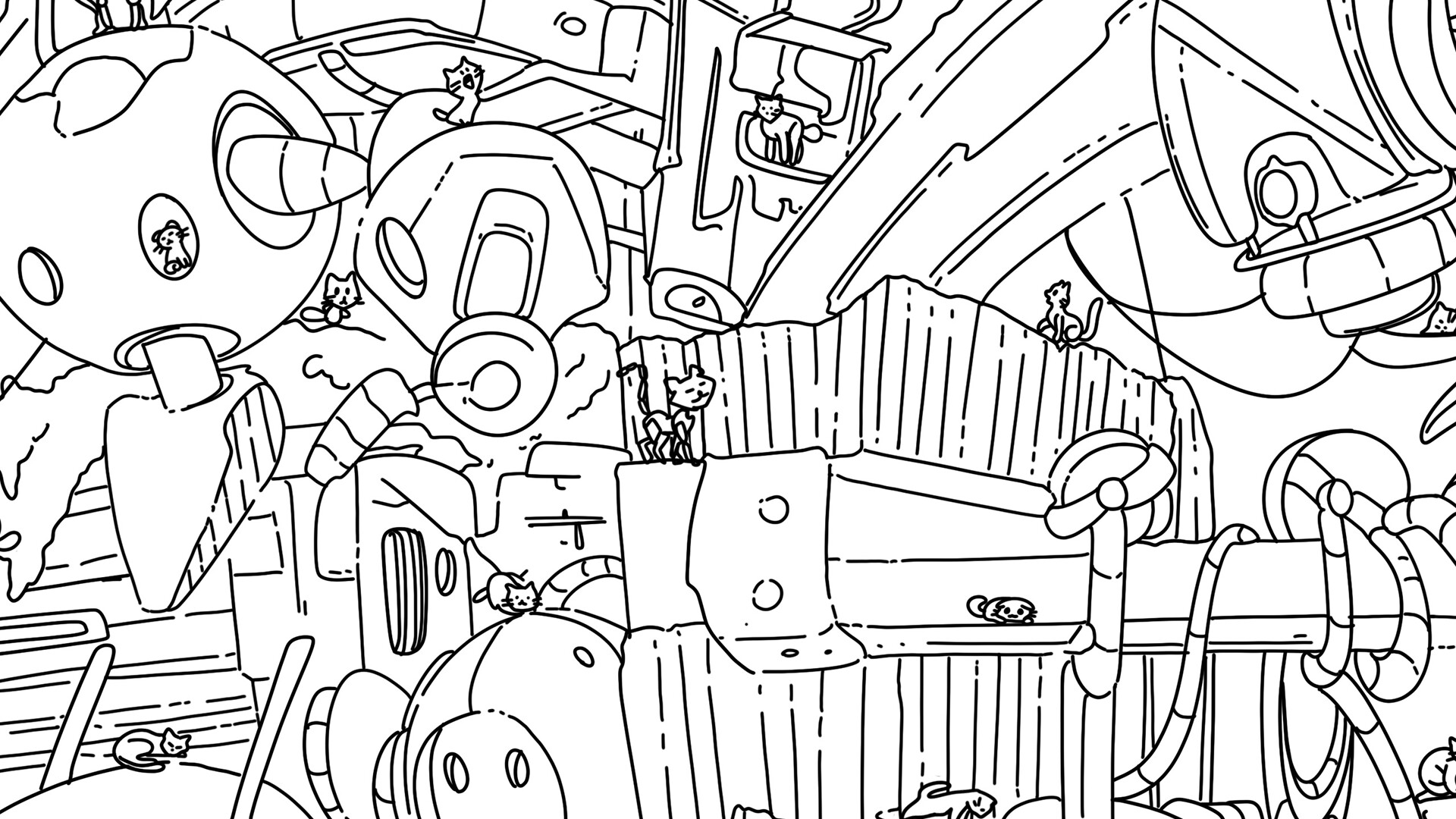
100 Robo Cats is a single‑player hidden‑object adventure where players search for 100 hand‑drawn robo‑cats in a robot‑themed world. The game provides one main level and an extra level, each containing 100 cats to locate.
A zoom function, brightness settings, a combo counter, and real meow sounds accompany the search. Progress can be saved, and an upbeat soundtrack plays throughout the experience.
02 / THE GUIDE
Levels and Extra Content
The title includes one main level with 100 hidden cats and an extra level with another 100 cats. Both levels share the same visual style and hidden‑object mechanics.
Each level is self‑contained, allowing players to focus on one set of scenes before moving to the extra level. Progress within each level can be saved, letting you resume later without losing discoveries.
- Complete the main level first to become familiar with the art style before tackling the extra level.
- Take short breaks between levels to keep observation skills sharp.
03 / THE GUIDE
Audio and Visual Presentation
High‑quality resolution artwork provides clear, colorful scenes, while an awesome soundtrack sets a pleasant mood. Real meow sounds play when cats are found, reinforcing the cute atmosphere.
Brightness settings let players adjust visual comfort, ensuring the artwork remains easy to view in various lighting conditions. The absence of text means visual and audio cues are the primary guides.
- Adjust brightness if scenes appear too dark on your monitor.
- Listen for the meow cue as an extra confirmation of a successful find.
04 / THE GUIDE
Progress Saving and Achievements
The game includes progress saves, allowing players to quit and later return without losing discovered cats. Steam Achievements are available for the game.
Family Sharing is listed as a feature, indicating the game can be accessed through Steam's family sharing system.
- Check the achievement list to see which milestones you have yet to complete.
- Use the save system before closing the game to preserve your current discoveries.
05 / THE GUIDE
Accessibility Options
Brightness settings and zoom provide visual assistance for players who need larger or clearer images. The game contains no text, relying on visual and audio cues, which can aid players with reading difficulties.
The combo counter offers immediate performance feedback without requiring navigation through additional menus, keeping the interface simple.
- Use zoom to enlarge intricate sections of the scene.
- Adjust brightness to reduce eye strain during long sessions.
COMMUNITY
Player discussion