 GameWiki
GET YOUR BEARINGS
About 100 Dino Cats
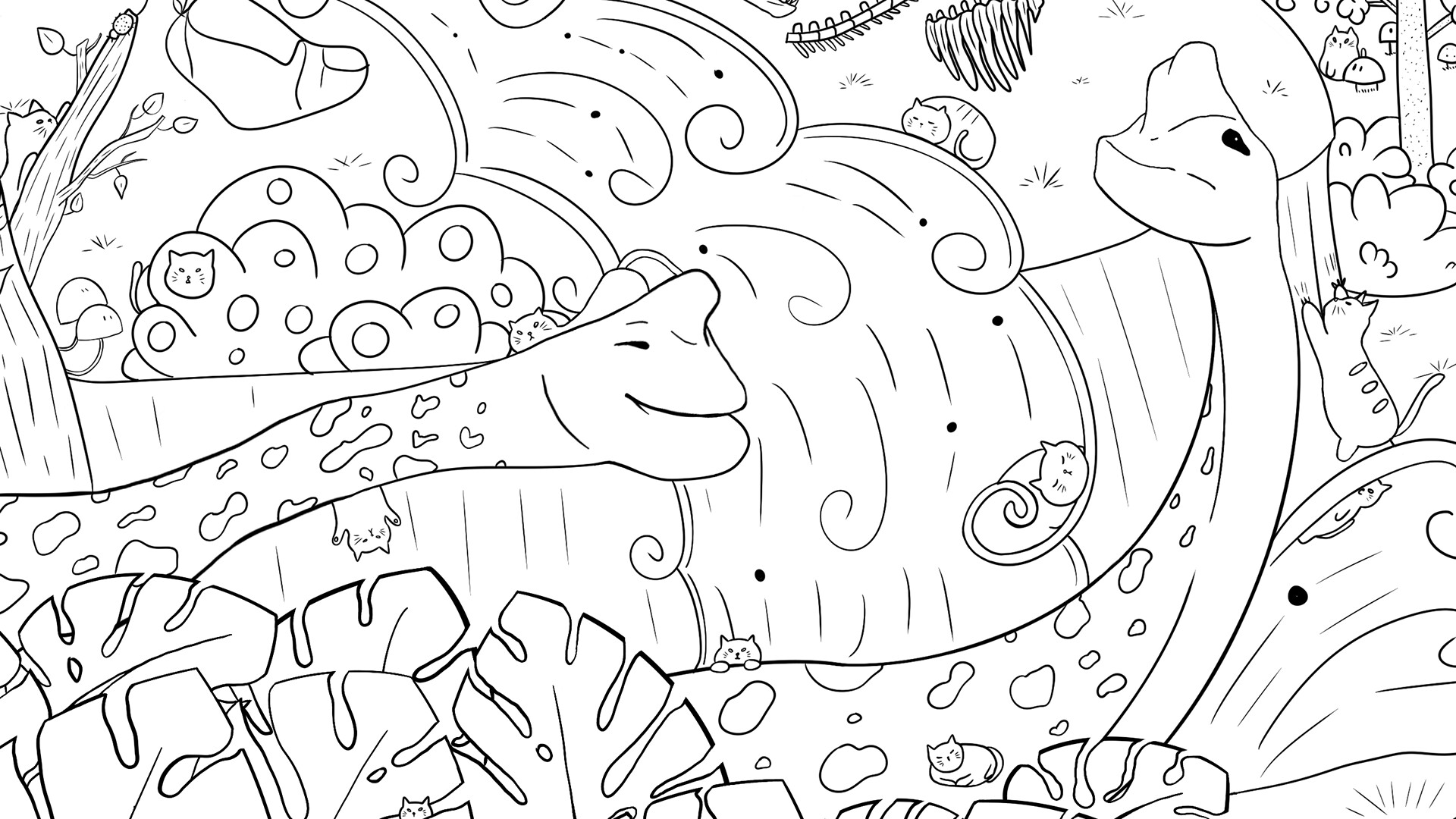
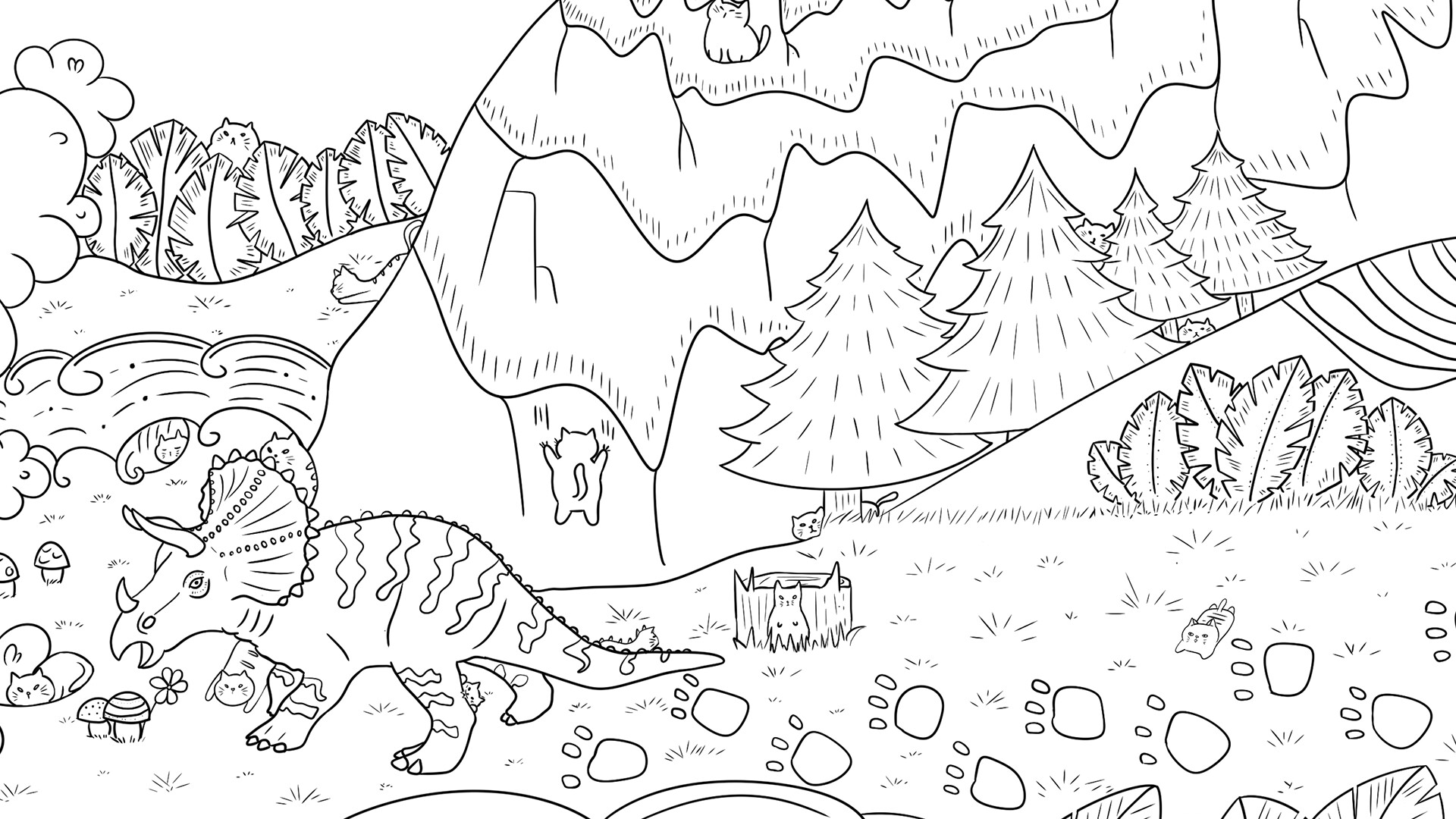
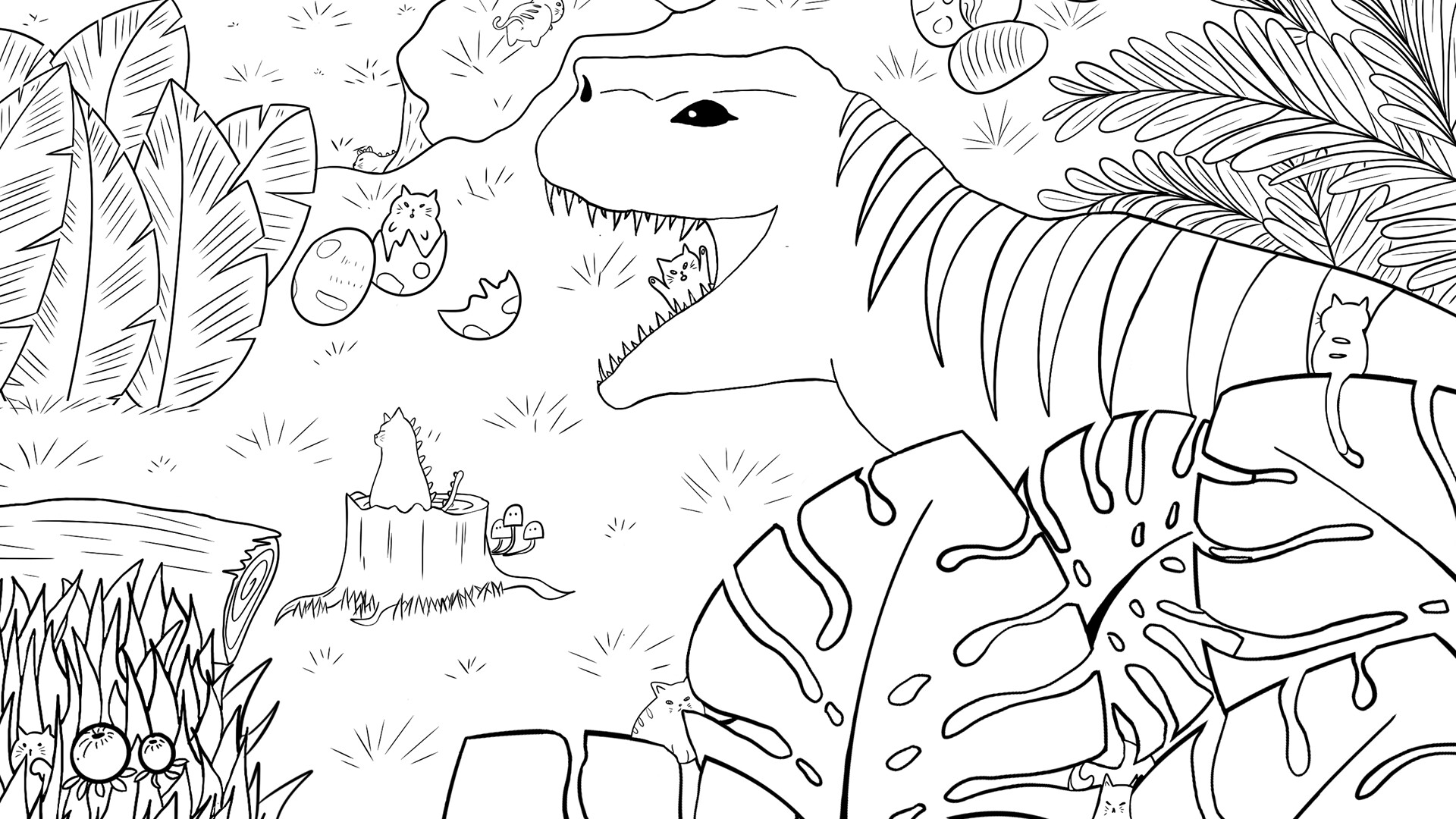
100 Dino Cats is a single‑player hidden‑object game where players search for 100 hand‑drawn cat silhouettes hidden among dinosaur scenery. The art is bright, high‑resolution and includes a separate extra level with another 100 hidden cats.
The game offers an adjustable brightness slider, zoom function, hint system, and a combo counter to track successive finds. An upbeat soundtrack and real meow sound effects accompany progress saves and Steam achievements.
02 / THE GUIDE
Level Structure
The game includes one main level containing 100 hidden cats and an extra level that adds another set of 100 cats. The two listed levels provide separate searches for the cats.
Progress saves are included, allowing players to pause and resume their search between sessions.
- Complete the main level before tackling the extra level to become familiar with the art style.
- Check the progress save after each session to ensure all finds are recorded.
03 / THE GUIDE
Visual Quality
Artwork is described as hand‑drawn with high‑resolution quality, providing clear detail for each hidden cat and background element. Brightness settings let players adjust overall scene lighting.
The clear visuals support the zoom feature, allowing close inspection of intricate areas.
- Increase brightness if darker sections obscure cat outlines.
- Zoom in on crowded sections to differentiate overlapping objects.
04 / THE GUIDE
Audio Elements
The audio features include a soundtrack and real meow sounds, complementing the dinosaur-and-cat theme.
The soundtrack and meow sounds accompany the game's cozy audio experience.
- Try headphones to listen to the music and meow sounds more closely.
- Adjust system volume if the soundtrack feels too dominant.
05 / THE GUIDE
Accessibility Features
The game provides zoom, brightness adjustment, and hint options to accommodate various player needs. A combo counter is also included in the feature list.
Progress saves ensure that players can return later without restarting, supporting flexible play sessions.
- Combine zoom with hints for the most efficient searching in dense scenes.
- Use the brightness slider early to set a comfortable visual baseline.


COMMUNITY
Player discussion